June 2022 – Apple announced the release of the public beta for iOS 15 and iPadOS 15, set to release fully to the public fall of 2022. There are not many large-scale changes in iOS 15, rather the updates appear to be directed towards making existing capabilities more intuitive and user-friendly. The updates to iPadOS 15 may also strengthen the iPad’s claim as a competitor to the traditional laptop computer experience. Technology news website The Verge says that the iOS 15 software update “looks to improve smaller things behind the scenes [rather] than rebuild things from the ground up.” According to Apple, the focus of iOS 15 is to encourage productivity, connectivity, and collaboration.
Below is an overview of some of the features you’ll find in the iOS 15 and iPadOS 15.
New Features
Multitasking
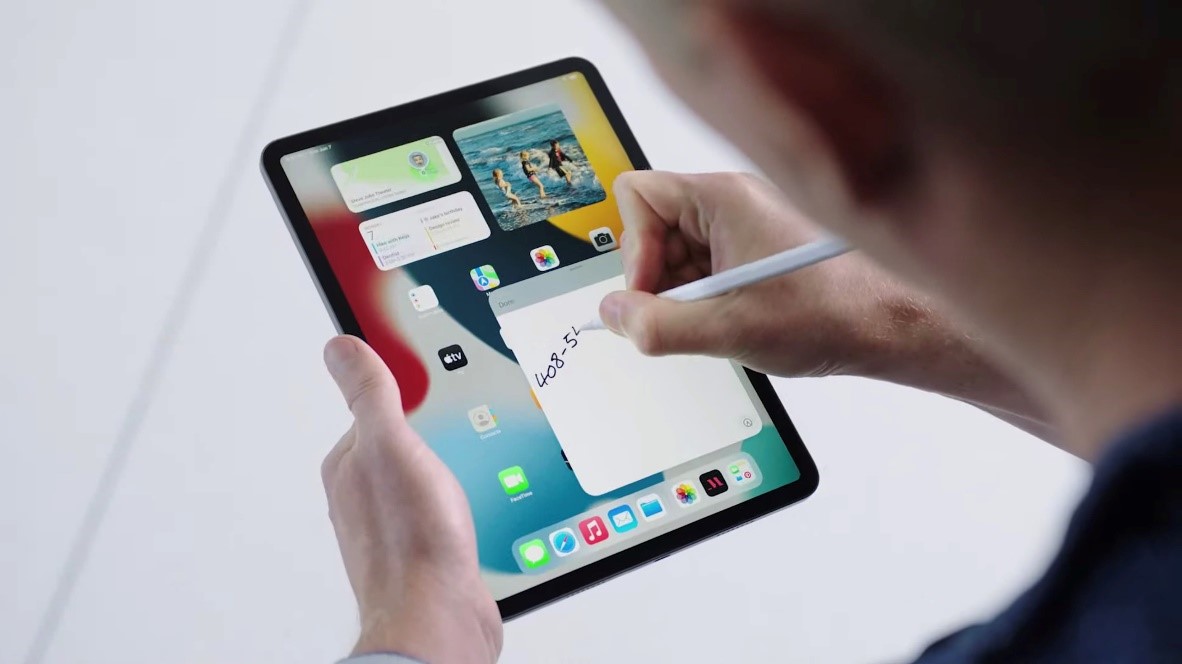
The new and refined multitasking capabilities appear to be Apple’s main selling point for the iPadOS 15. In their preview of the new iPadOS 15, Apple described, “The large iPad screen [as being] great for working with multiple apps, taking your productivity to a whole new level” and, “multitasking [as] easier to discover, easier to use, and even more powerful.” Because previous iterations relied on confusing gesture-focused interaction, many users were unaware of the capabilities. This focus on reworking multitasking suggests that Apple is hoping to make it more palatable and convenient for the casual user.
To start, when the user opens an app, a new shelf at the bottom of the screen will appear to show all of the open windows for that app. These windows can be rearranged or closed from this menu. Additionally, the user can opt to open a new window within the app.
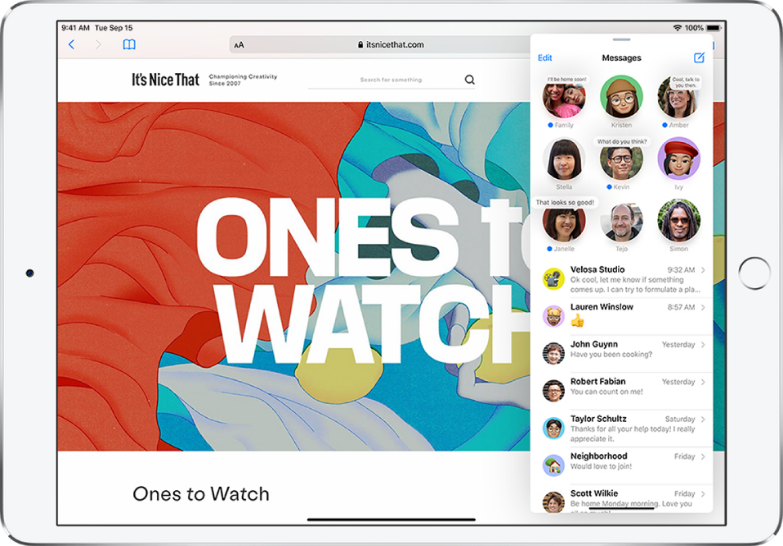
Next, a new multitasking menu at the top of the screen will give the user access to a few different viewing modes. While these layouts are not new, they have been updated slightly for ease of use. The user can open an app in Slide Over to switch between two apps with ease. Apps can be dragged over one another to create the Slide Over view as well. There is a Split View option that divides the screen in half between two apps, as the name suggests. The first improvement to the Split View is that it immediately redirects the user to the Home Screen to choose the apps they wish to view. The second improvement to the Split View option is that it now allows access to the Home Screen and App Library so the user can always change which apps are open. The final layout option is simply a Full-Screen view.