Pair the Best Hardware with the Best Software
Why We Prefer The Barco ClickShare
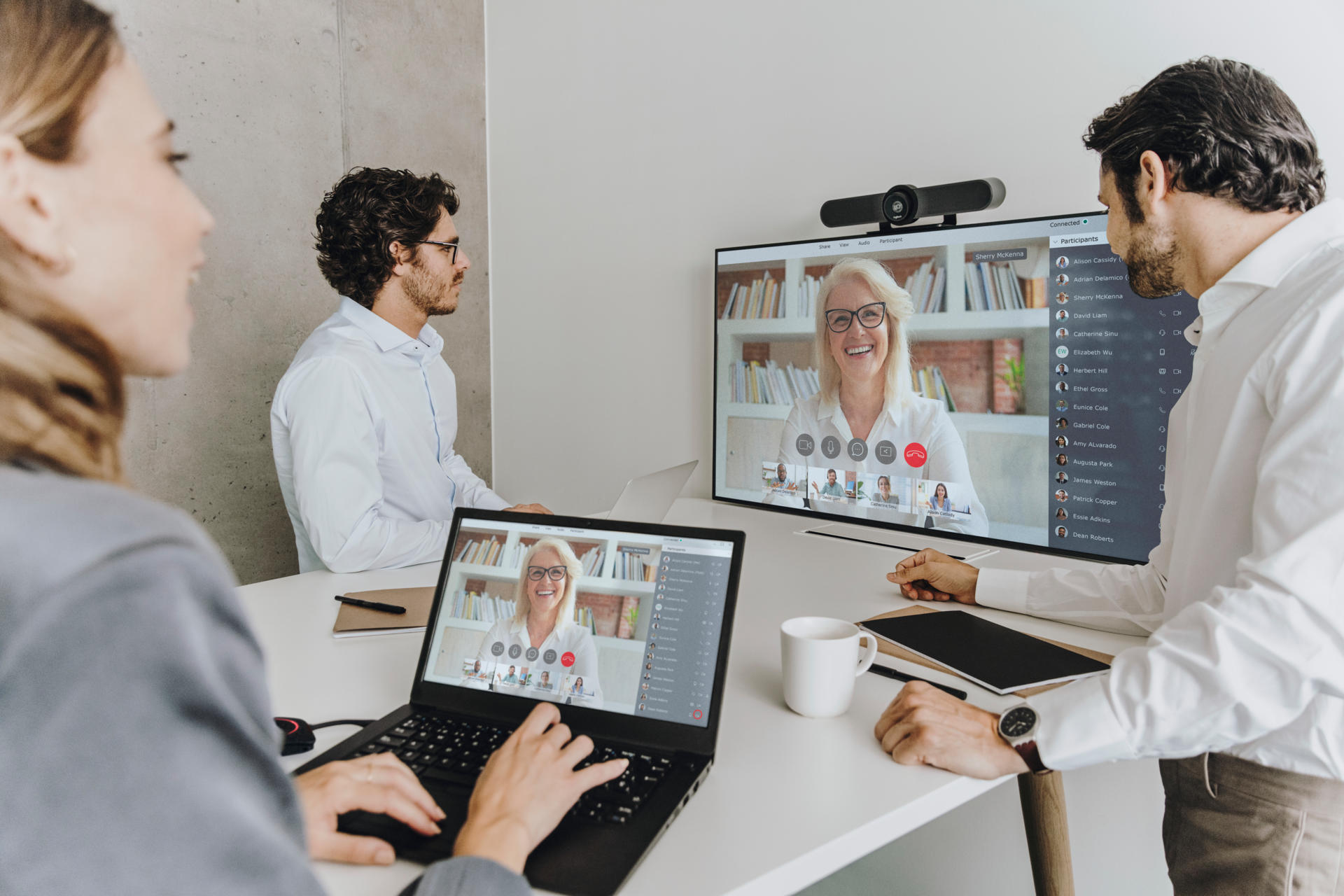
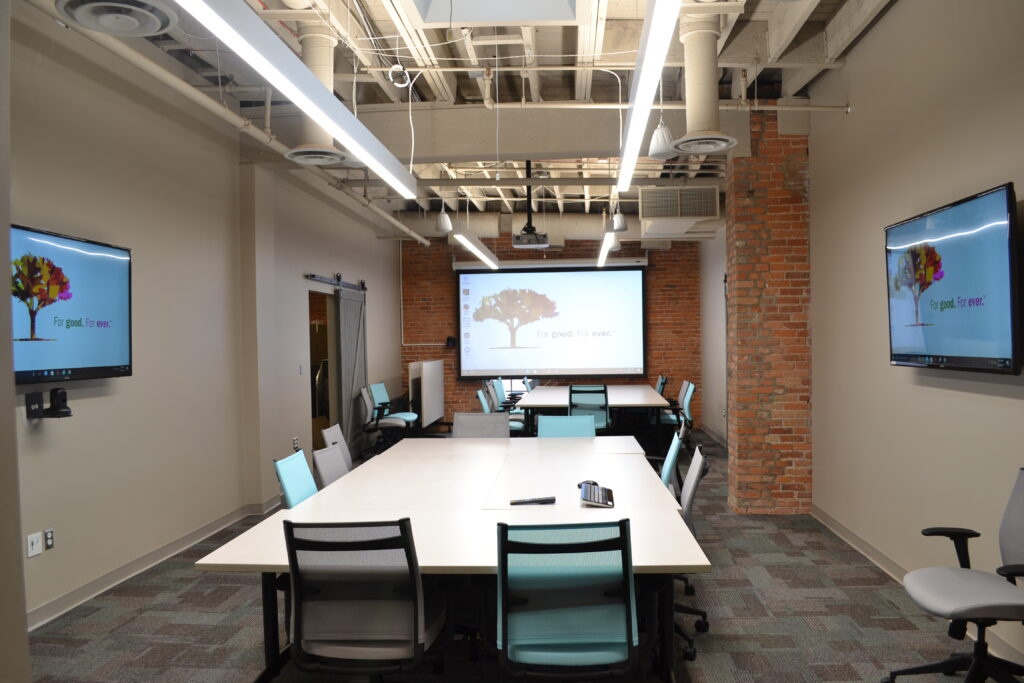
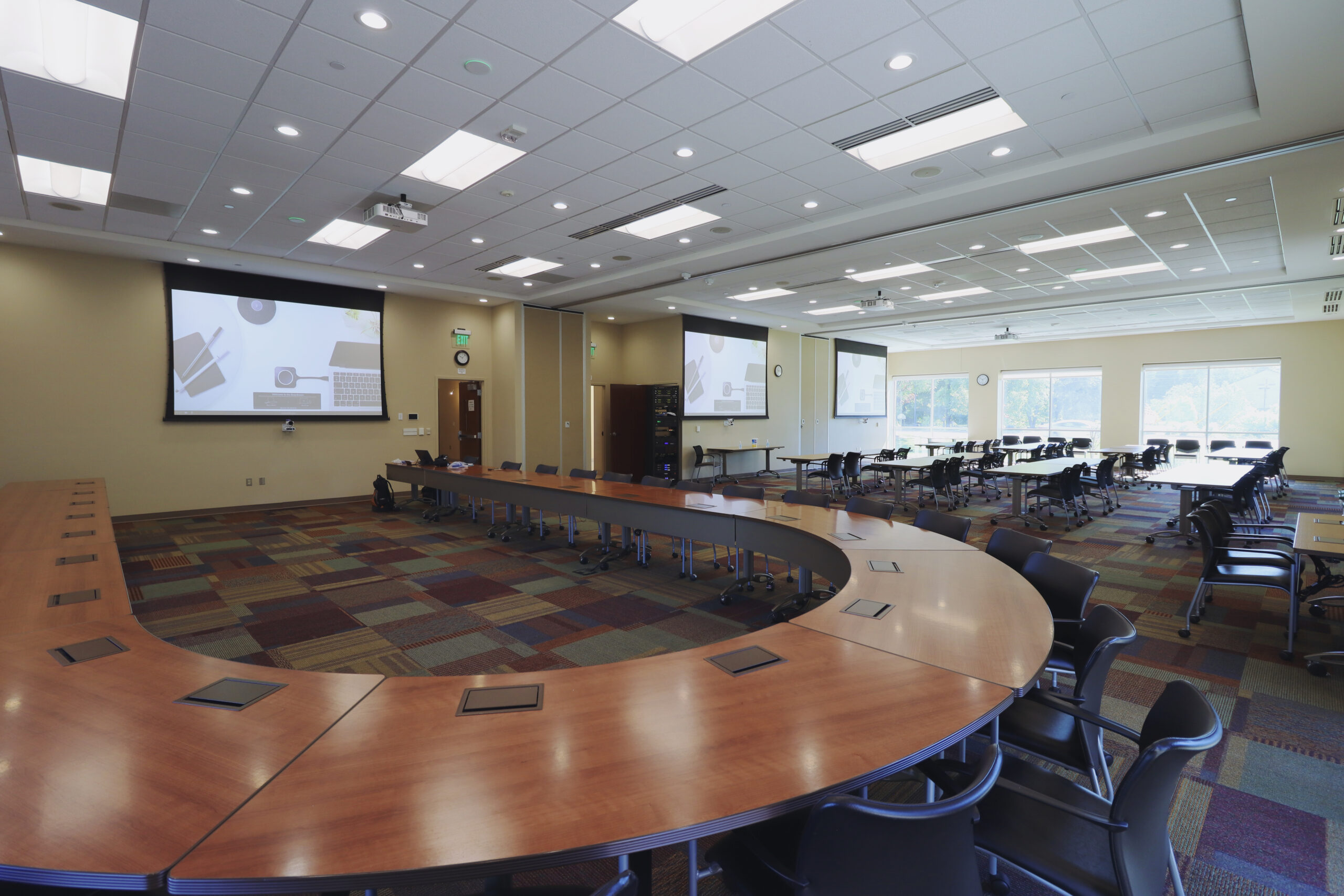
The ClickShare Conferencing Button instantly gives you access to wireless conferencing, and a more immersive, interactive and guest-friendly meeting experience. Set up your remote meeting with your preferred Unified Communications (UC) solution. Plug in the USB-C device in your laptop, click, and in less than 7 seconds, you are automatically connected to meeting room cameras, speakerphones, soundbars and other AV peripherals. You get richer audio, have wider views of the room and can add video to your mix.
With the additional Quick Button, you can bring the big screen back to your device, a feature called ‘local view of the room display’. The Quick Button also activates advanced power functionalities like ideation, moderation, snapshots, and control of AV equipment.
Alternatively, you can share content with the ClickShare Collaboration App with a similar advanced set of collaboration features at your disposal: pause, window selection, extended desktop, ideation and moderation. Combining both Button and App provides an intuitive, rich way of collaborating.