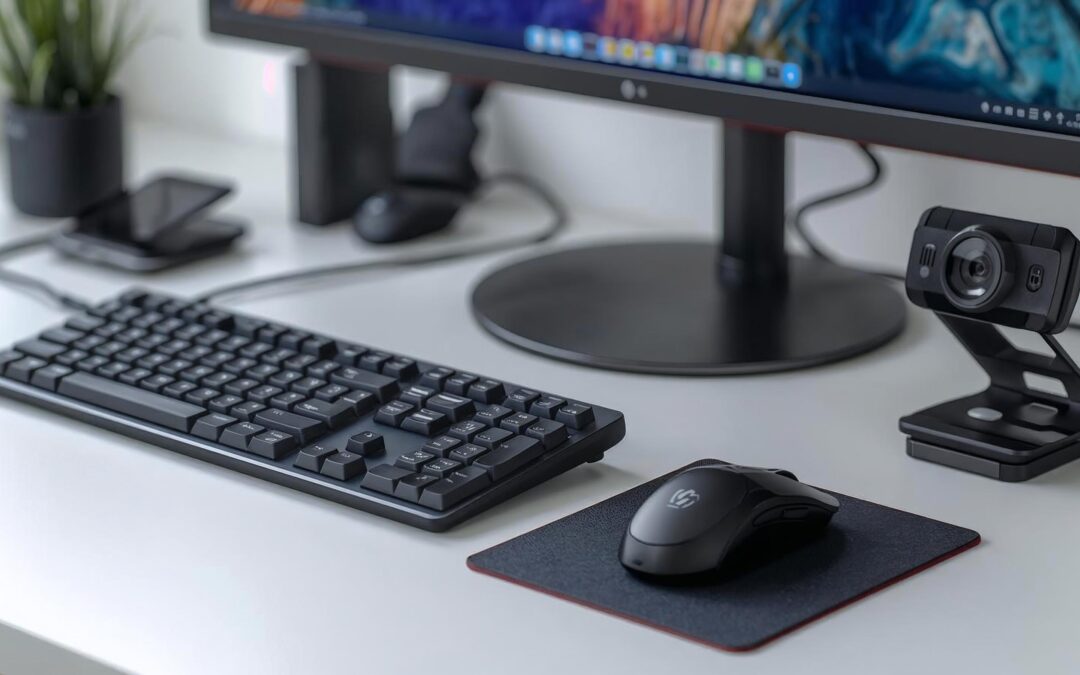
Upgrade Your Workspace: The Best Computer Peripherals for Smarter Productivity in 2025At Smart Homes and Smart Offices, we know that technology should make your life easier — not more complicated. The right computer peripherals can transform an ordinary workstation...
Upgrade Your Workspace: The Best Computer Peripherals for Smarter Productivity in 2025At Smart Homes and Smart Offices, we know that technology should make your life easier — not more complicated. The right computer peripherals can transform an ordinary workstation...
Designing High-Performing Municipal Meeting Spaces: AV Trends, Live-Streaming Challenges & How to Plan for Success
Municipal meeting spaces have evolved far beyond simple boardrooms with a projector and podium. Today’s city councils, planning boards, and advisory committees must support hybrid attendance, high-definition live streaming, public transparency, and ADA-compliant communication technology—all while maintaining reliability on tight municipal budgets.
At Smart Homes and Smart Offices, we understand the unique, niche technology needs of local government meeting rooms. Whether you’re designing a new council chamber, upgrading a conference room, or improving your existing streaming setup, choosing the right audiovisual (AV) equipment, layout, and workflow can transform the effectiveness of your public meetings.
In this blog post, we’ll touch on the most-requested features that we encounter in the field, AV trends, live-streaming challenges and how to plan your next project.
To help municipalities evaluate their needs, we’ve created a free Room-Planning Tool—a guided checklist that helps you walk through your meeting space and identify the features and capabilities you want to incorporate into your next AV project.
Why Municipal Meeting Spaces Require Specialized AV Solutions
Public-sector meeting environments serve a broad and demanding audience. Unlike corporate spaces, municipal rooms must support:
Transparent communication with clear audio for in-person attendees and remote viewers
Reliable live-streaming and recording to comply with public records and open-meeting requirements
Ease of use for rotating staff, volunteers, and elected officials
Accessibility features, including assisted listening systems, voice lift, and closed captioning
Integration with public broadcast channels, local cable access, and social media platforms
These expectations place significant pressure on audiovisual systems—and make it essential to design technology specifically for municipal workflows.
Why Municipal Meeting Spaces Require Specialized AV Solutions
Public-sector meeting environments serve a broad and demanding audience. Unlike corporate spaces, municipal rooms must support:
Transparent communication with clear audio for in-person attendees and remote viewers
Reliable live-streaming and recording to comply with public records and open-meeting requirements
Ease of use for rotating staff, volunteers, and elected officials
Accessibility features, including assisted listening systems, voice lift, and closed captioning
Integration with public broadcast channels, local cable access, and social media platforms
These expectations place significant pressure on audiovisual systems—and make it essential to design technology specifically for municipal workflows.
Top Audiovisual Trends and Challenges in Municipal Meeting Rooms
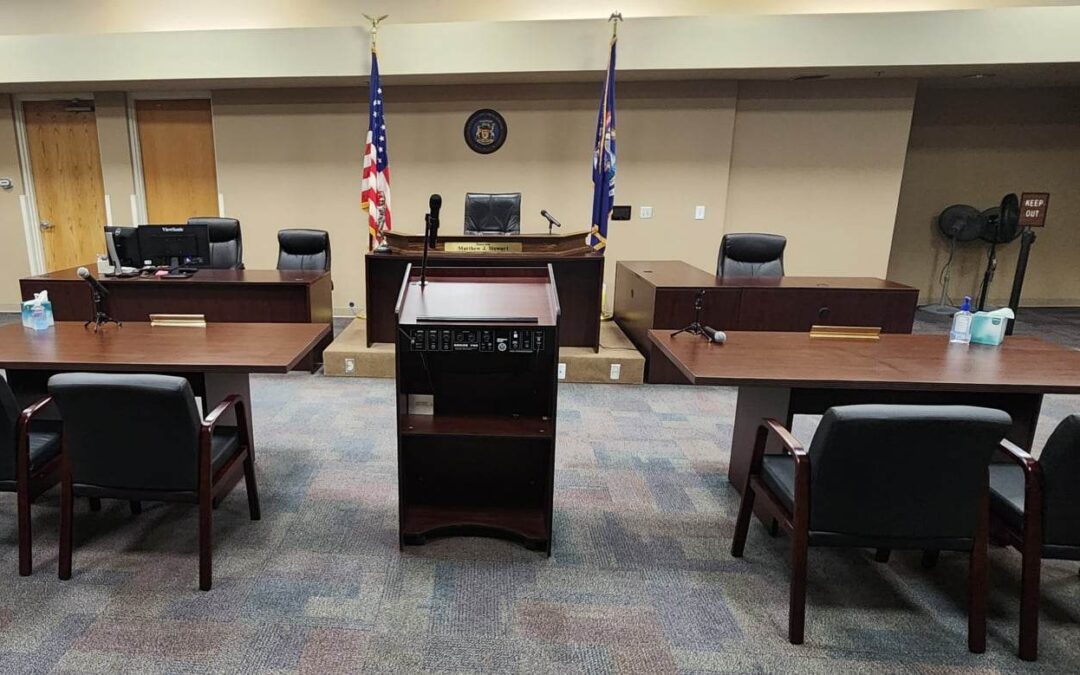
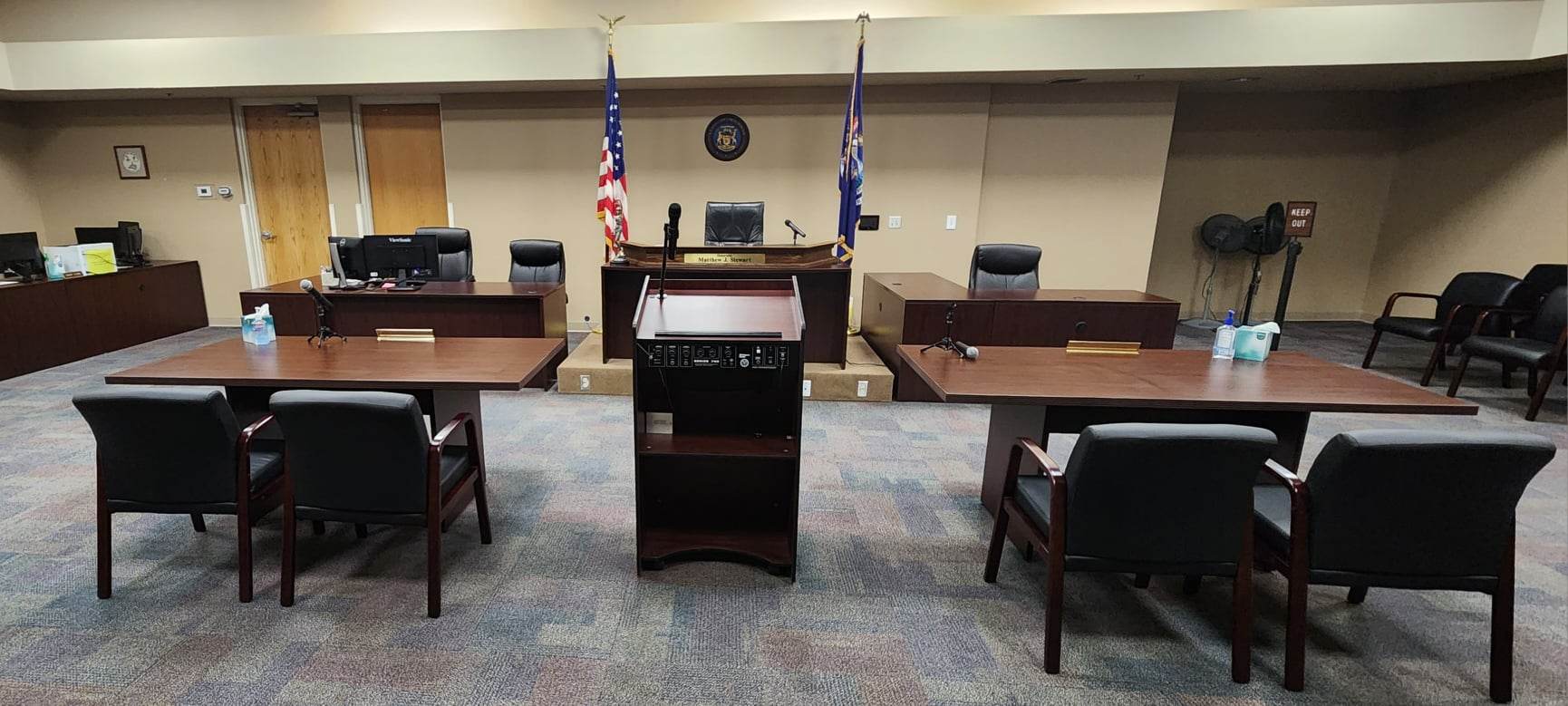
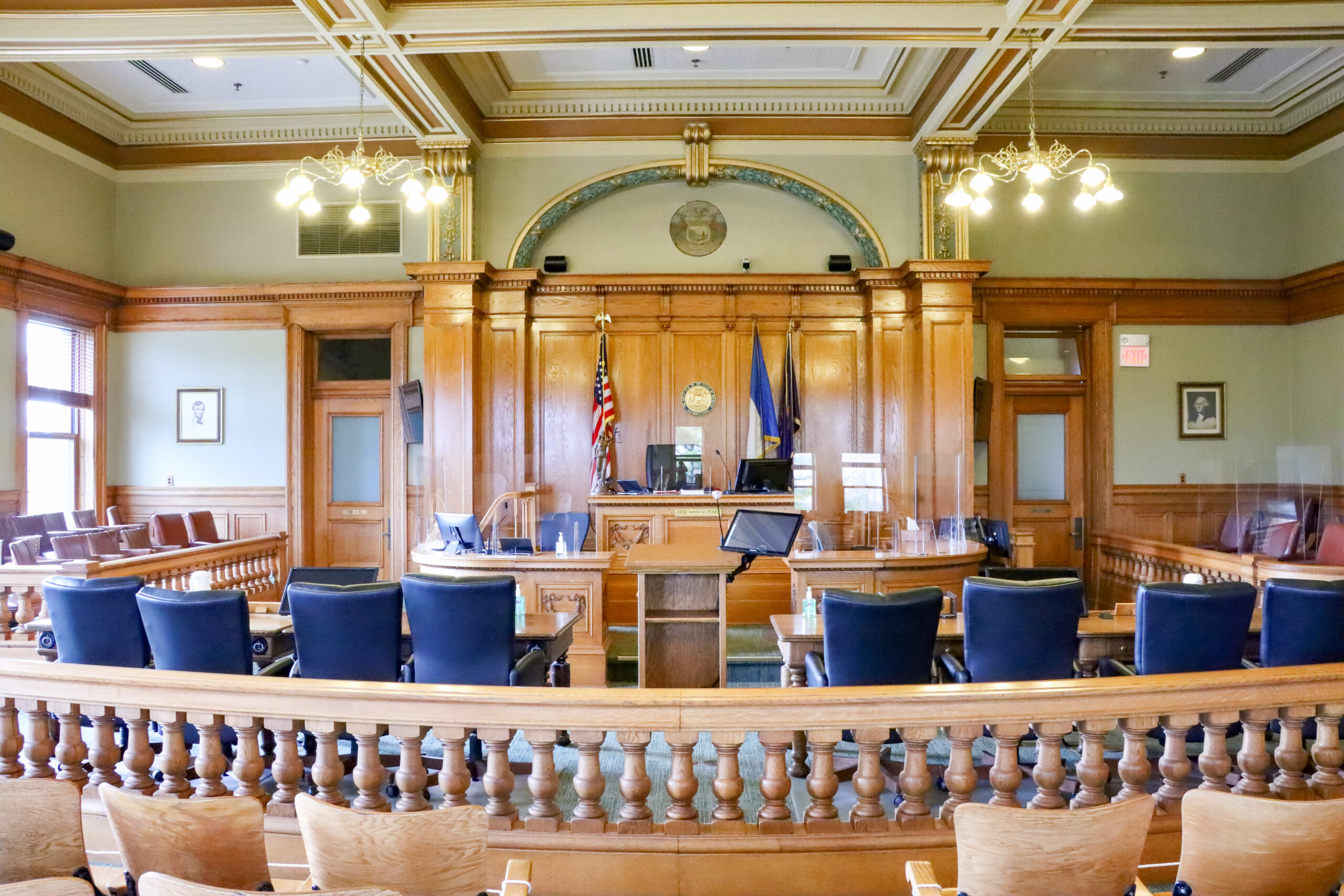
Whether you’re looking to update your board room, training room, council chambers, or a unique meeting space, choosing the right layout and supporting technology is critical to getting the most out of your investment.
When considering your audio video conferencing options, think about how you will use the room.Do your meetings typically involve a single presenter, or will you have people joining remotely on a regular basis? Is having the ability to record or live-stream a meeting required?Will each person need their own microphone and screen, or will presentations be shown on a large screen for everyone to see?Will the room use one standard setup or is a flexible meeting space essential?
Understanding how the room with be used is an important step in determining the best equipment and design setup for your space. When we work with municipalities, the most requested features that we encounter are:
1. Hybrid-Ready Audio and Video Systems
Municipalities are increasingly investing in multi-camera setups, ceiling microphone arrays, and speaker systems with voice lift to ensure everyone—onsite and remote—can hear and see clearly.
2. Camera Quality
High-quality cameras and premium systems that can follow speakers and switch viewpoints without needing a dedicated camera operator behind the scenes.
3. Centralized Control Systems
Touch panels from Crestron, Biamp, and similar platforms allow staff to manage audio levels, camera switching, content sharing, and lighting with one easy interface—reducing the risk of technical errors during public sessions.
4. Professional Live-Streaming Workflows
Municipalities are moving away from consumer-level web tools and toward dedicated streaming encoders, networked AV components, and automated recording systems that ensure disability compliance and platform reliability.
5. Room Acoustics and Sound Masking
Hard surfaces and large chambers create reverberation issues. Our designs take this into account and incorporate acoustic panels, DSP-based audio processing, and strategic microphone placement to improve clarity for both remote and in-person attendees.
Common Challenges Municipalities Face When Live Streaming Public Meetings
Michigan municipalities face a distinct set of challenges when live-streaming public meetings. Under Michigan’s Open Meetings Act, public bodies must ensure transparency and accessibility, which places added pressure on municipalities to deliver reliable, high-quality live streams that residents can easily access and review after the meeting.
Many cities and townships operate out of older or historic buildings with restrictions on what can be dome to the building itself, limited network capacity, poor acoustics, and minimal space for audiovisual equipment, making consistent audio intelligibility and camera coverage difficult. In more rural areas of the state, inconsistent broadband availability can impact stream stability, especially during hybrid meetings with remote speakers.
Municipalities must balance these technical hurdles with accessibility expectations; however, it’s fair to point out that even the most well-equipped spaces still struggle with:
Inconsistent audio levels between speakers
Poor microphone pickup for side conversations or public-comment participants
Camera angles that don’t reflect the entire council or audience
Internet instability and streaming interruptions
Difficulty switching between presentations, documents, agendas, and speakers
Lack of redundancy, causing downtime during crucial public meetings
These issues can be frustrating for both viewers and those tasked with operating the system, and amplify compliance concerns.
A structured design and assessment process—like the one our engineering team provides—can help navigate the technological design capabilities and legal expectations of the room.
Key Design Considerations for Any Municipal Meeting Space
When planning or upgrading your meeting room, focus on:
Microphone and Audio Strategy
Which would serve your space better – boundary, gooseneck, or ceiling microphones?
How many participants speak during meetings?
Is voice lift needed for audience seating?
Camera Placement and Coverage
Do you need multiple cameras?
Should angles cover the dais, presenter’s podium, and public commenters?
Display Technology
Do council or board members need individual screens?
Should presenters use wall-mounted displays or projection?
Control Simplicity
Can staff run meetings without engineering support?
Are controls streamlined and intuitive?
Acoustic Treatment
Are there echo, reverberation, or clarity problems in the room?
Live-Streaming Workflow
What platforms do you need to stream to (YouTube, Facebook, a city website, PEG channel)?
Do recordings need to be archived automatically?
ADA & Accessibility Compliance
Are assisted listening systems needed?
Real-time captioning?
Visual alerts and signage?
Start Planning Your Ideal Meeting Room with Our Free Download
To help you prepare for your next project, we’ve created afree, Room-Planning Tool. This resource walks you through:
Our engineering and AV integration team specializes in designing and installing professional, turnkey municipal meeting rooms that are reliable, compliant, and easy to operate. From small conference rooms to full council chambers, we tailor every solution to your workflows, staff needs, and public transparency goals.
Contact Smart Homes and Smart Offices today at (517) 381-5171 for a free assessment and technology review. We’ll evaluate your space, recommend equipment, and help you build a municipal meeting environment that meets your unique needs.