Designing High-Performing Municipal Meeting Spaces: AV Trends, Live-Streaming Challenges & How to Plan for SuccessMunicipal meeting spaces have evolved far beyond simple boardrooms with a projector and podium. Today’s city councils, planning boards, and advisory...
Designing High-Performing Municipal Meeting Spaces: AV Trends, Live-Streaming Challenges & How to Plan for SuccessMunicipal meeting spaces have evolved far beyond simple boardrooms with a projector and podium. Today’s city councils, planning boards, and advisory...
October is Cyber Security Awareness Month, a timely reminder of the growing need to protect our digital lives in an increasingly connected world. As technology becomes more ingrained in our personal and professional routines, the potential for cyber threats escalates. From phishing attacks to ransomware, these threats pose serious risks to individuals, businesses, and organizations. This month serves as a call to action to equip ourselves with the knowledge and tools necessary to stay safe online.
Gone are the days when we could casually rely on our friendly IT representative to keep the company’s online presence secure at the office. Cybersecurity is no longer just the responsibility of IT professionals. Today’s technology is integrated into every part of our lives – from our computers and phones, to our televisions and toaster ovens.
Given the level of interconnectedness, each of us plays a critical role in defending against cyberattacks by practicing safe habits, and being mindful of our digital footprint. In this post, we’ll explore five essential practices that can help protect your personal and professional data from cyber threats.
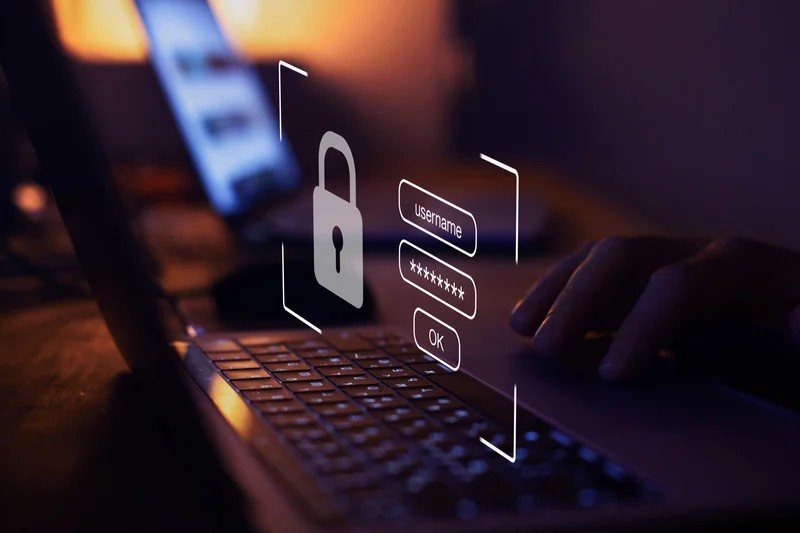
1. Use Strong, Unique Passwords
Creating a strong password is not only your first line of defense, it’s also one of the most effective ways to protect your accounts from cybercriminals. Common password mistakes include using the same password across multiple platforms or using the names of family, pets or other “favorite things” that a hacker could easily identify with a little web research.
To reduce the risk of a data breach, we recommend creating passwords that are at least 12 characters long and include a mix of uppercase letters, lowercase letters, numbers, and special characters.
We understand that generating and keeping track of multiple passwords can be a challenge. To help simplify the process, we recommend using a password manager like Keeper to help you generate and securely store them. Password managers can make it easier to safely generate and manage all your passwords.
2. Enable Multi-factor Authentication (MFA)
Multi-factor authentication adds an additional layer of protection by requiring a second form of verification. The user is often asked to confirm their identity through a text message prompt or authentication app code, along with their password.
Enabling MFA on all of your accounts greatly reduces the risk of unauthorized access, even if your password is compromised. Although it adds another step to the login process, it’s worth the added security it provides.
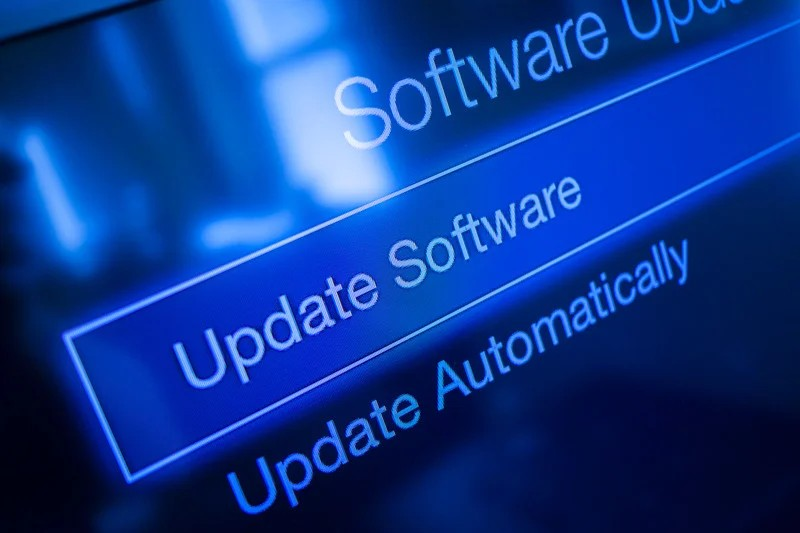
3. Keep Software and Devices Updated
Outdated software is a common target for cybercriminals who exploit vulnerabilities in older versions. Regularly updating your operating systems, apps, and software ensures that you have the latest security patches in place. These updates are vital in protecting your devices from potential attacks.
4. Be Cautious of Phishing Attempts
Phishing scams are designed to deceive you into revealing personal information or downloading malicious software. Be suspicious of unexpected emails or messages, especially those asking for sensitive details or urging immediate action. A best practice is to always verify the sender’s identity before responding or clicking on any links.
Hackers can be extremely aggressive and sophsticated in their approaches to gaining access to your personal information. It’s such an important topic that we dedicated an entire blog post on how to identify and combat phishing attacks. To learn more, check out our post titled, 6 Easy Ways to Combat Phishing Attacks, Improve Security.
5. Back Up Your Data Regularly
Regular backups are essential for protecting your data. In the event of a cyberattack, such as ransomware, having an up-to-date backup allows you to recover your files without paying a ransom or losing valuable information. We recommend using both an external hard drive and a secure cloud service for redundancy.
By integrating these cybersecurity tips into your daily routine, you can enhance your online security and significantly reduce the risk of becoming a victim of cyber threats.
Make Cybersecurity a Year-round Priority
October marks Cyber Security Awareness Month. However, it’s important to remember that cybersecurity is a year-round endeavor. Staying informed and vigilant can significantly reduce your exposure to cyber threats.
By making cybersecurity a priority beyond October, and incorporating these five practices into your daily routine, you can significantly reduce your risk of falling victim to cyberattacks. Cybersecurity may seem complex, but taking proactive steps today can safeguard your digital assets for the future.
Smart Homes Smart Offices: Your Trusted IT Services Provider
At Smart Homes Smart Offices, our technology service experts are dedicated to providing you with proactive advice and effective solutions to your IT questions and needs. We offer three different levels of IT support, each providing a comprehensive range of services. To learn more, contact us today to speak with an IT specialist.