Designing High-Performing Municipal Meeting Spaces: AV Trends, Live-Streaming Challenges & How to Plan for SuccessMunicipal meeting spaces have evolved far beyond simple boardrooms with a projector and podium. Today’s city councils, planning boards, and advisory...
Designing High-Performing Municipal Meeting Spaces: AV Trends, Live-Streaming Challenges & How to Plan for SuccessMunicipal meeting spaces have evolved far beyond simple boardrooms with a projector and podium. Today’s city councils, planning boards, and advisory...
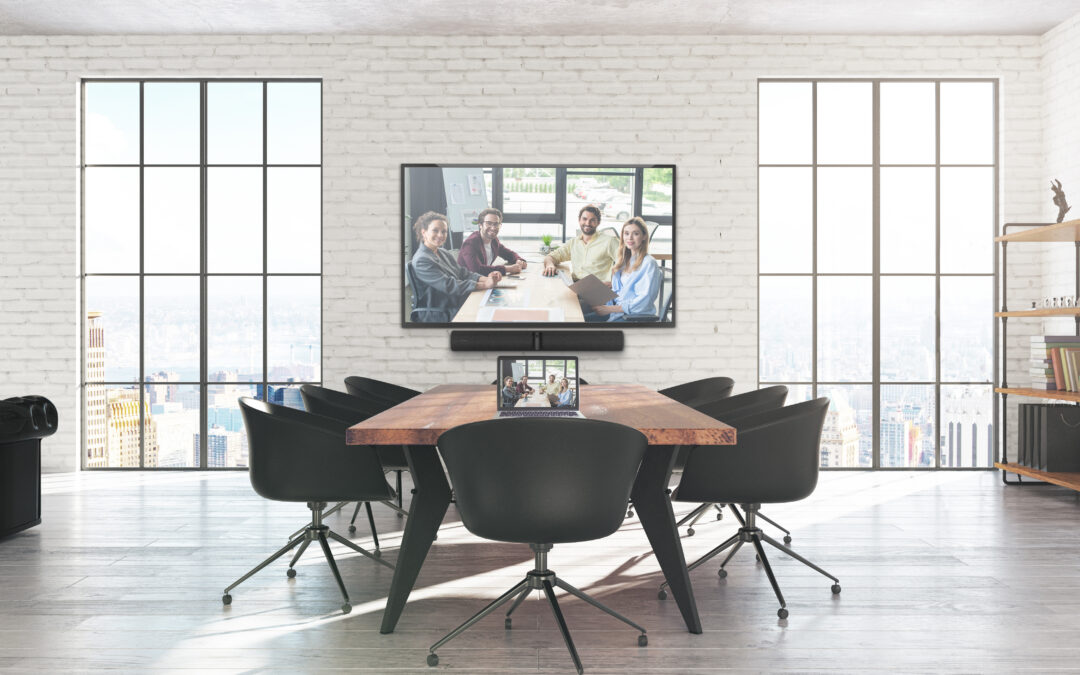
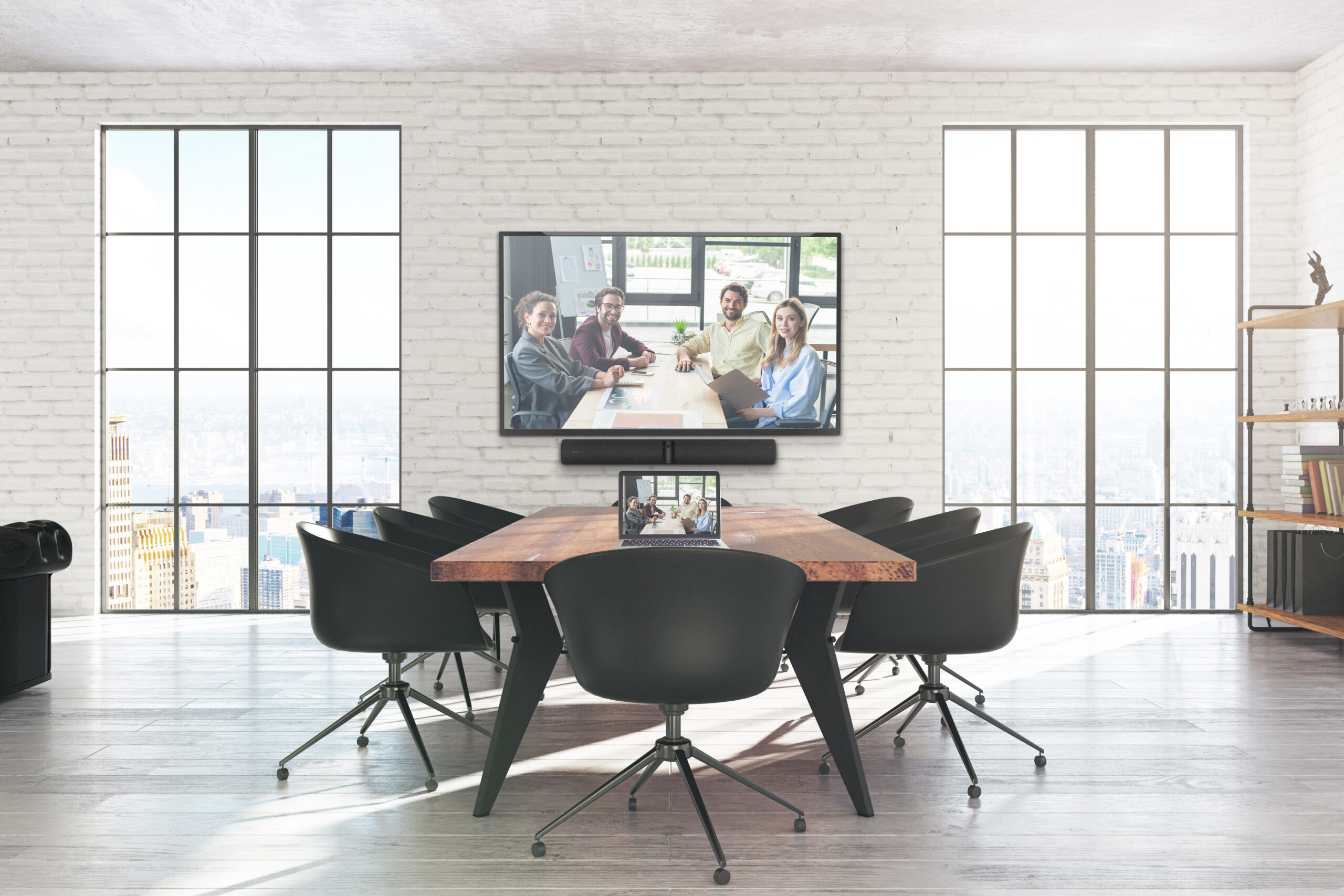
Photo courtesy of Crestron Electronics, Inc. All rights reserved.
Wireless Sharing Solutions for Today’s Conference Rooms
Cut the cables and elevate collaboration with seamless wireless content sharing.
In today’s hybrid work environment, efficiency and flexibility are key—especially when it comes to meetings and presentations. Gone are the days of scrambling for the right dongle or cable. At Smart Offices and Smart Homes, we help businesses simplify how they share content with wireless sharing solutions designed for Teams, Zoom, and any device in the room.
Below, we’ll walk you through several powerful tools and platforms that can help you create a clutter-free, user-friendly collaboration space.
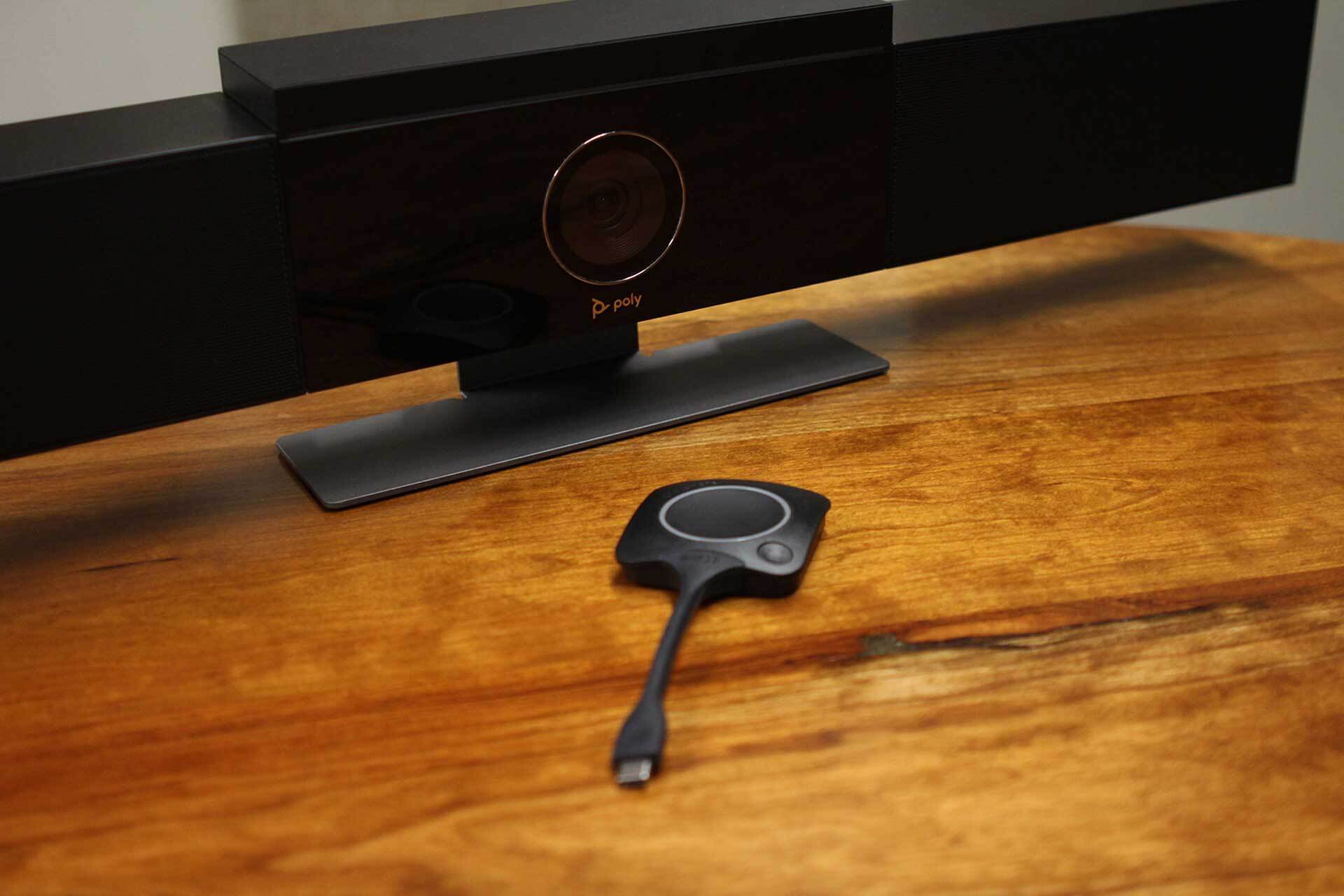
This popular, enterprise-grade wireless presentation system makes content sharing a breeze. With just a USB-C plugged into your laptop, you can instantly connect to the display provided you have speakers and a microphone with your computer. There’s also an app-based option for even more flexibility.
ClickShare supports:
Up to 4 simultaneous users
Wireless conferencing with peripherals
Techically supported
Full BYOD support (Bring Your Own Device)
It’s a great choice for both boardrooms and huddle spaces – offering simplicity without sacrificing performance.
Microsoft Teams & Zoom Rooms
If your business already uses Microsoft Teams or Zoom, you’re halfway there. Both platforms support wireless screen sharing capabilities as part of their integrated room solutions. With a properly configured Teams or Zoom Room, users can share content directly from their laptop or mobile device without plugging in.
Teams users can cast content wirelessly by simply selecting “Cast” in the Teams app.
Zoom users can use AirPlay, Miracast, or a Zoom Meeting Share Key for wireless presentation.
These features are easy to use, and with the right audio-visual configuration, you can achieve a professional, polished experience every time.
To learn more about which solution is right for you, check out our comparative blog post that compares the two.
Crestron AirMedia
Crestron AirMedia delivers secure wireless presentation capabilities in a scalable solution that works in any space. Whether you’re outfitting a single conference room or an entire building, AirMedia integrates cleanly with existing AV systems and supports all major devices and platforms.
Key benefits:
Native support for AirPlay, Miracast, and the AirMedia app
Enterprise-grade encryption and IT management features
Touchless presentation and meeting controls
AirMedia is especially well-suited for clients who already use Crestron control systems or want a seamless, all-in-one AV infrastructure.
Miracast / AirPlay (Built-in Wireless Sharing)
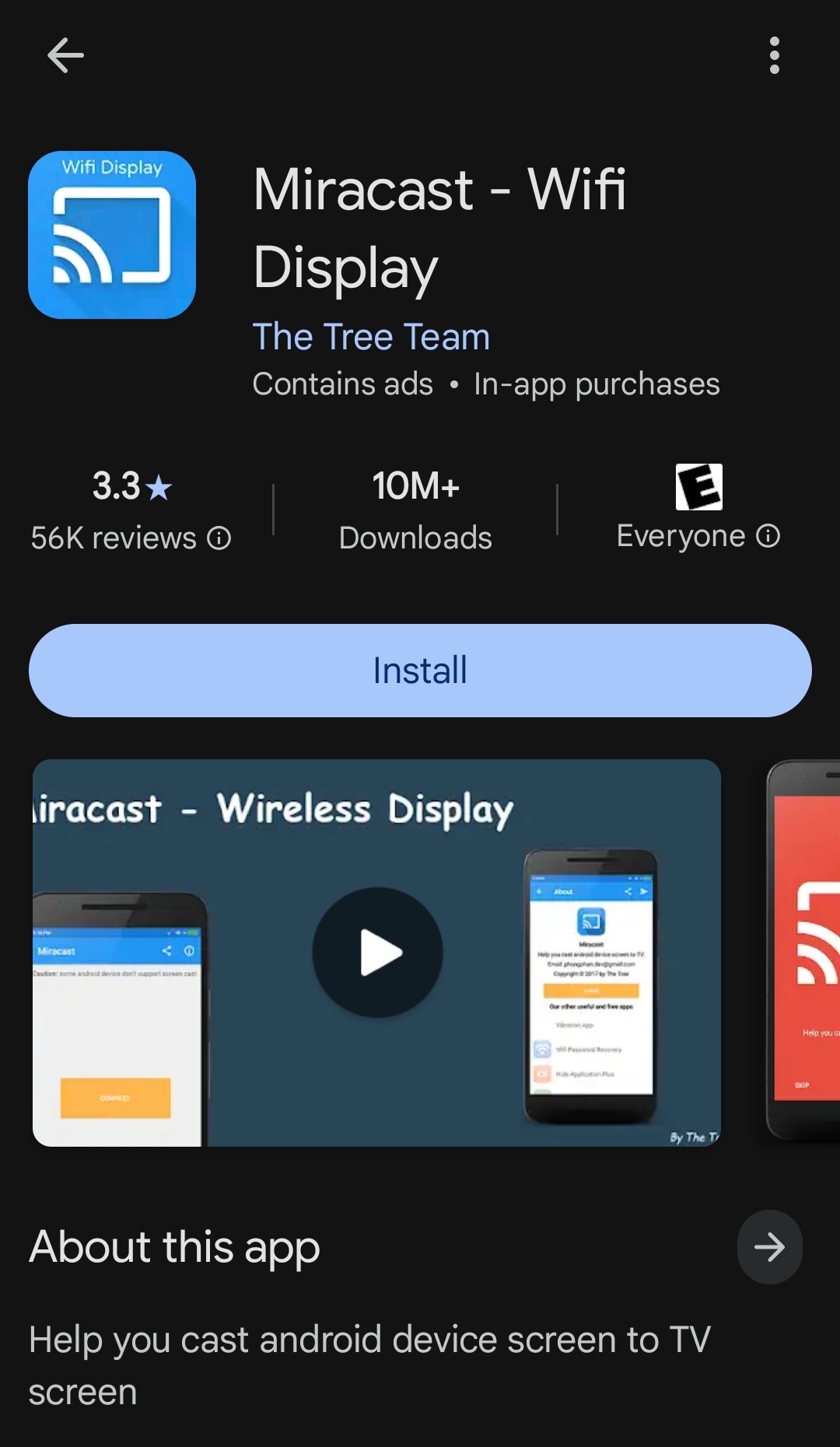
For many devices, Miracast (Windows/Android) and AirPlay (macOS/iOS) are already built in—no extra software or hardware is required. These wireless screen mirroring technologies allow users to wirelessly cast screens to a compatible display, making content sharing easy and spontaneous. It works similarly to an HDMI cable, but you’re not tethered to a cord because it uses Wi-Fi to directly connect devices.
While these tools are great for quick, device-specific connections, we recommend integrating them with a wireless presentation platform like Crestron or ClickShare to improve reliability and security in business environments.
Supported Peripherals.
To get the most out of your wireless sharing setup, you’ll want to make sure your peripherals—such as cameras, microphones, and speakers—are fully integrated and compatible. At Smart Offices and Smart Homes, we ensure all AV hardware works seamlessly with your wireless sharing system, whether you’re using USB, Bluetooth, or network-based devices.
We support and integrate:
Pan, Tilt, and Zoom (PTZ) cameras for conference rooms
Beamforming ceiling microphones
Speaker systems and Digital Signal Processor (DSP)
Touch panels and room scheduling displays
Every installation is customized for your space and use case, ensuring a smooth and professional meeting experience.
Things to Keep in Mind When Choosing a Wireless System.
Before jumping in, there are some important considerations to keep in mind when selecting a new wireless system.
For example, although Crestron solutions are typically plug-and-play, they may require some level of custom software programming and installation. And although they are generally compatible with other devices, they integrate best with other Crestron solutions.
Additionally, not all devices and operating systems can handle the load. The age of a connected device (both the hardware and operating system), whether the presenter is on a guest WiFi network or a designated office network can also impact compatibility and connectivity.
The security, infrastructure, and connectivity policies of an organization may limit the type of wireless solution that can be implemented throughout the building, as well.
And there are also those instances when a building’s location and the type of construction materials used make a wireless solution less than ideal.
Our team can help you navigate these questions and find a solution that is right for your business.
Ready to Go Wireless?
If you’re looking to upgrade your meeting spaces with easy, reliable wireless sharing solutions, our team can help. From design to installation and support, we offer end-to-end service to make your conference room smarter, more collaborative, and easy to use.
Contact us today at (517) 381-5160 for a free consultation and let us help you build a smart, wire-free solution for your unique space.