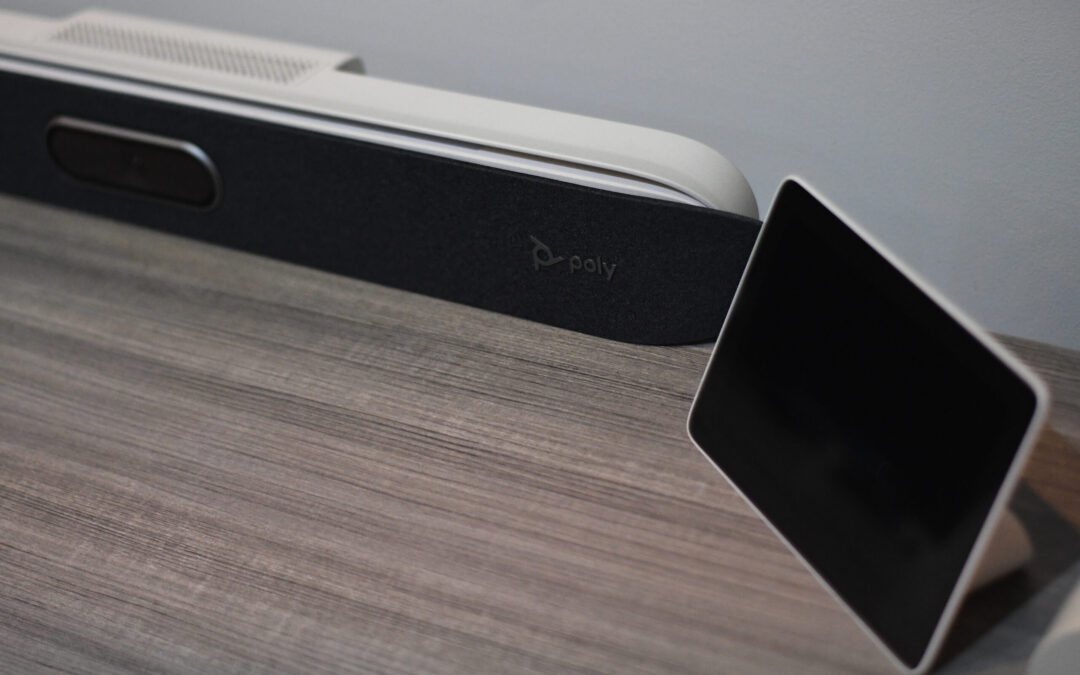
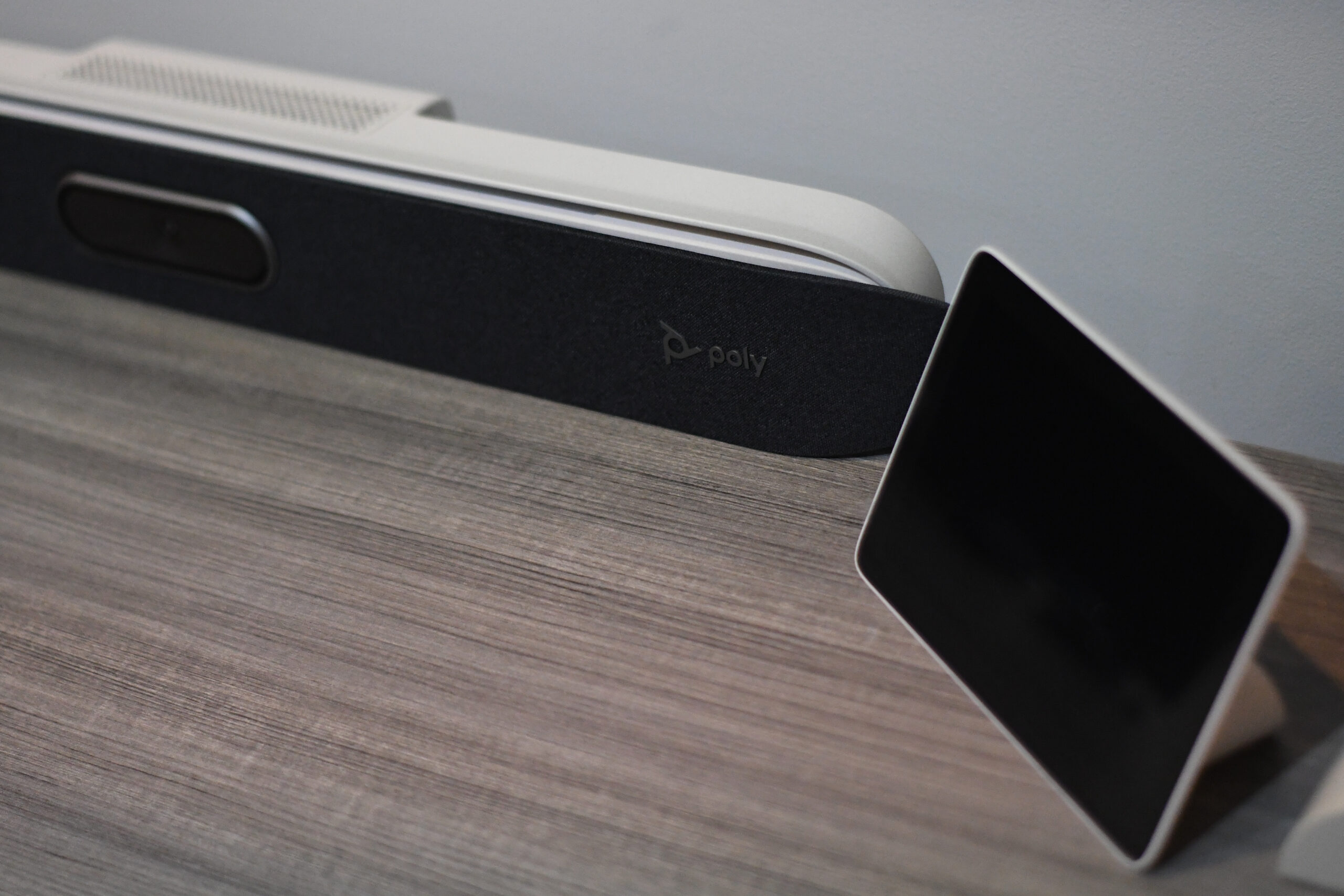
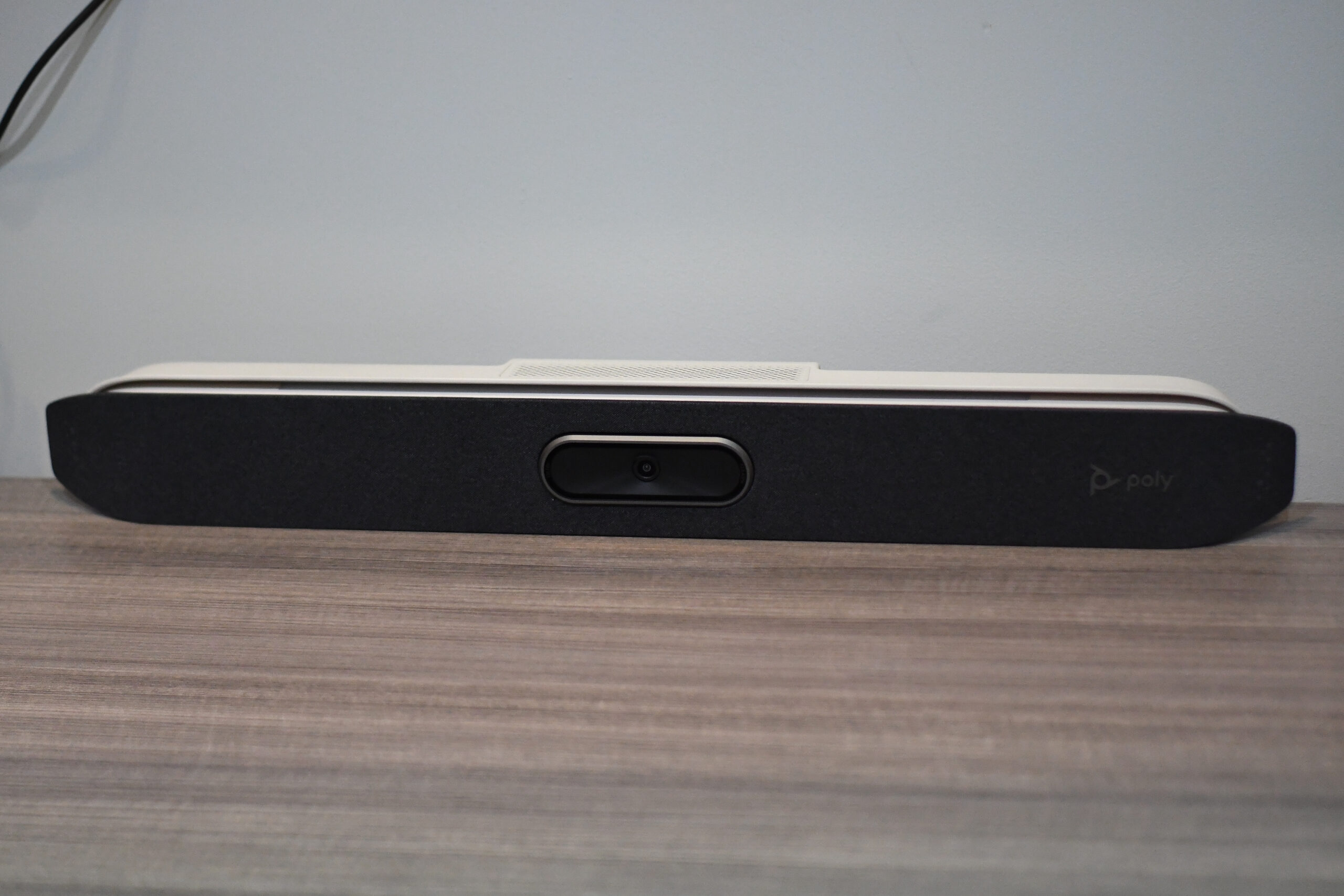
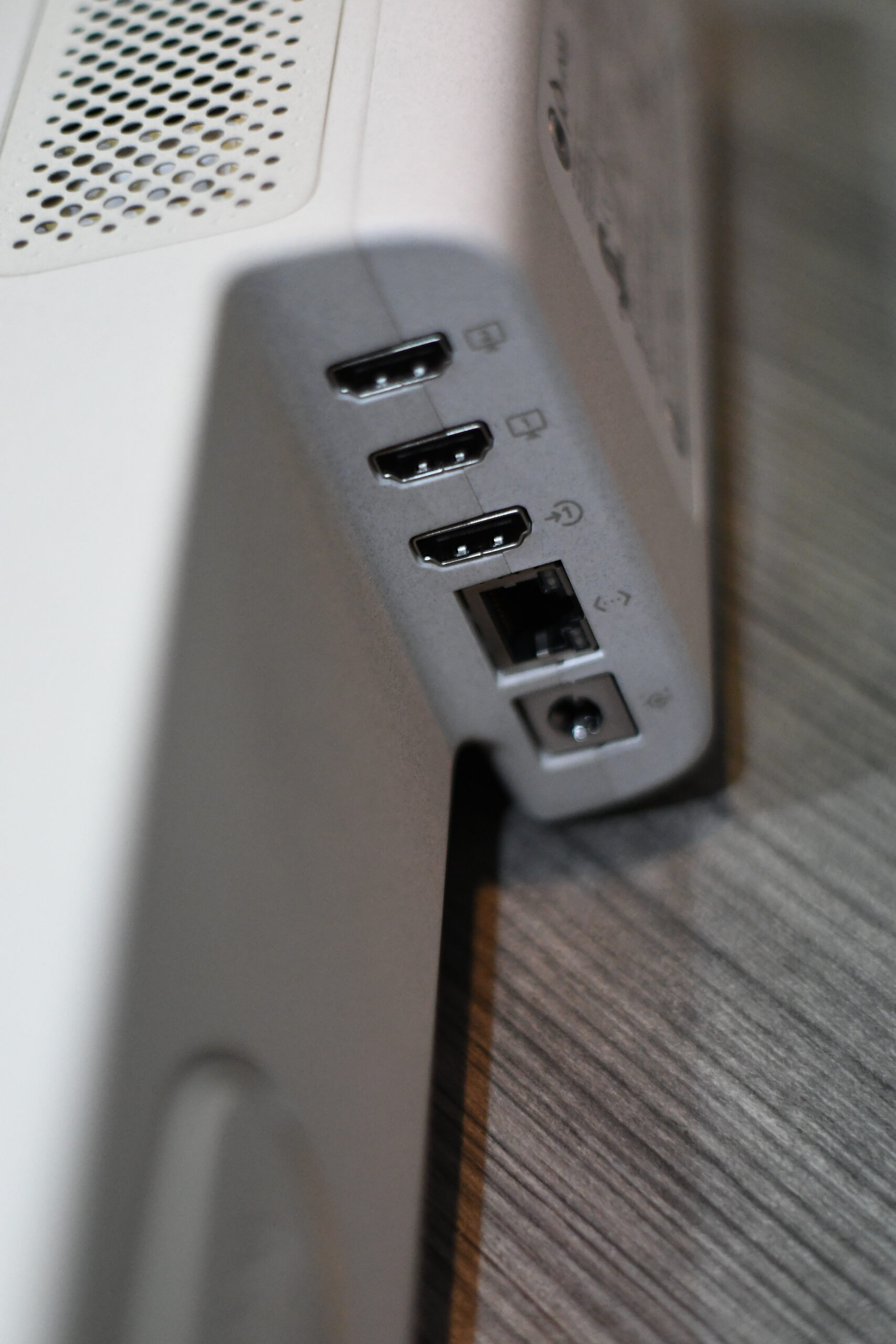
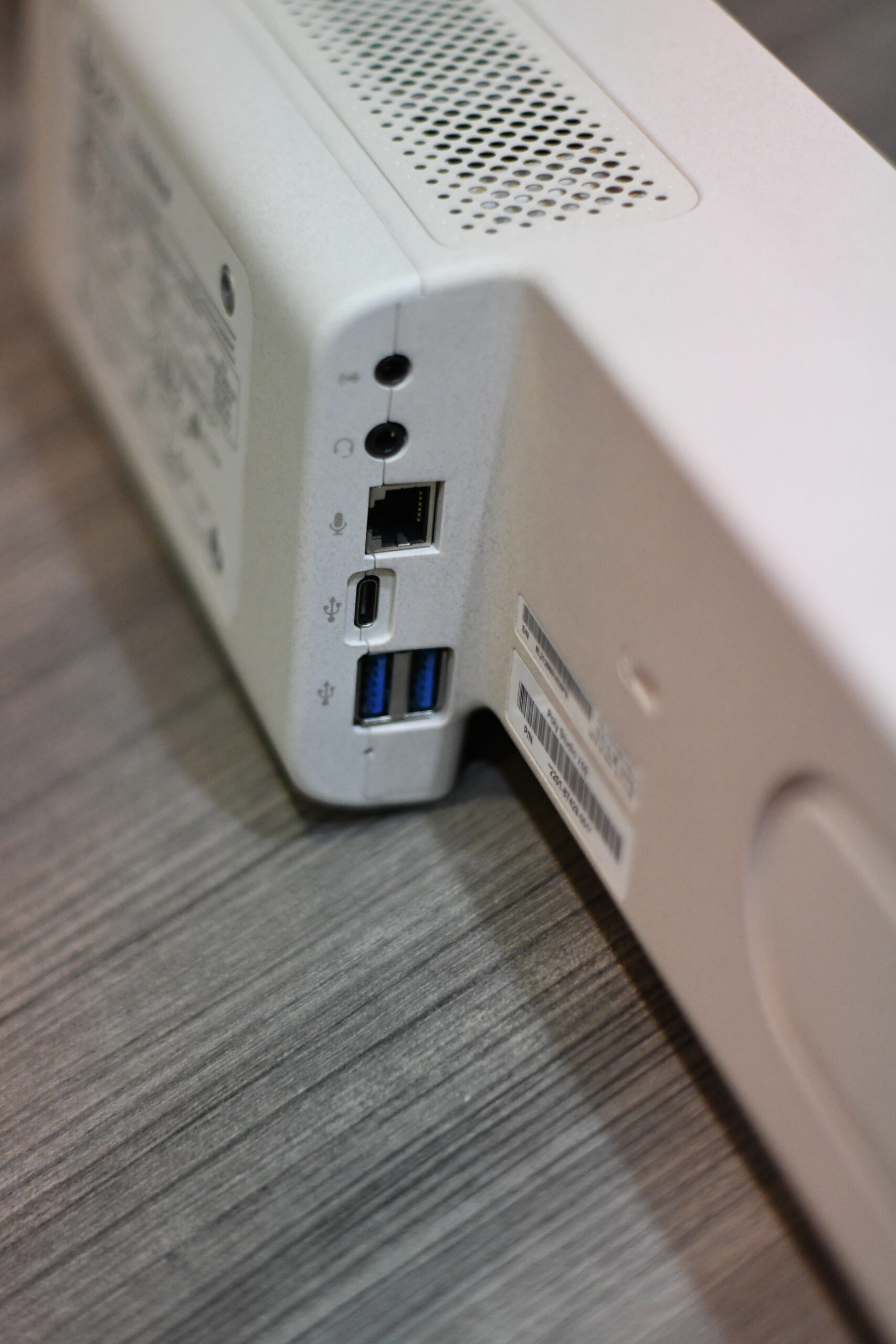
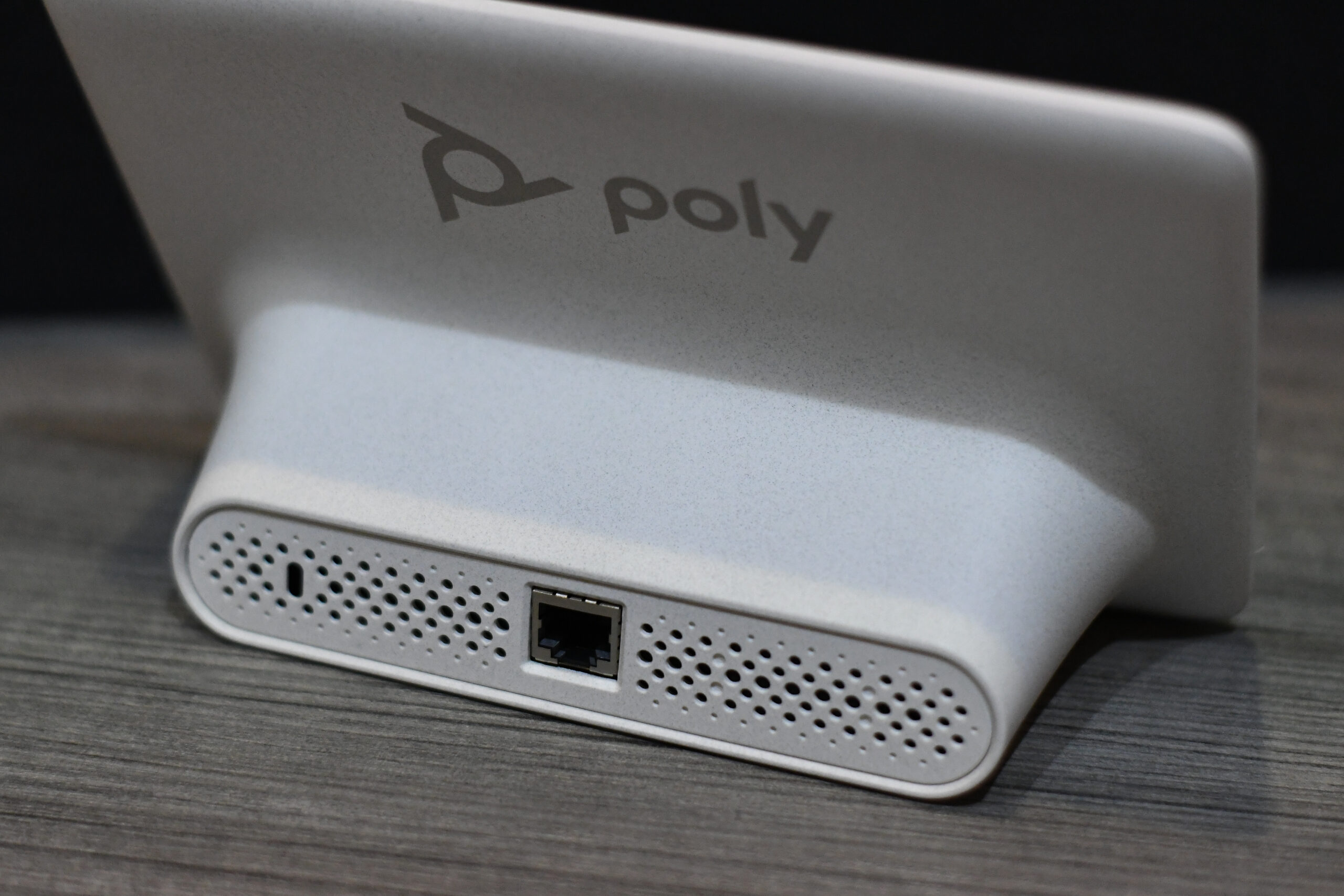
The camera on the Poly Studio X50 is surprisingly sharp, capable of 2160p (4k) video, plus a 5x digital zoom, and 120 degrees Field of View! The camera auto-tracking option is perfect for small to medium-sized conference rooms because the camera will focus on and track with the presenter, even across the room. Auto-tracking can always be disabled if manual settings are preferred. There are several presets that can be saved allowing fine control depending on the meeting type. The LED bar on top of the Studio X50 helps show which direction the camera is focused on and will also change colors depending on the state of the x50 providing useful visual feedback.
The Polycom Studio X50 in ‘Device’ mode allows the user to connect to a computer in order to take advantage of the speakers, microphone, and camera. The sound quality of the X50 rivals that of a stand-alone soundbar. The microphone array is also top quality, performing at the high level of noise suppression that video-conferencing veteran, Polycom has become known for.
Polycom Studio X30 vs. X50
The most noticeable difference between the Polycom Studio X30 and the Polycom Studio X50 is the size, as the X50 is meant to satisfy a larger meeting of up to ten participants verses six for the X30. With a bigger size, comes bigger features such as double the number of conference speakers, additional zoom range, additional monitor hookup, wireless sharing capabilities, and stereo room-filling immersive sound.
The Polycom Studio X50 is the ideal product for a clean and easy-to-use conference room setup. With numerous configurations, the TC8 and X50 provide a great conference room solution from small to medium-sized rooms. The X50 makes switching video conference software a breeze. Simply select which mode you wish to change to and quickly configure the Studio X50 accordingly. In testing, we were blown away by its performance.
Looking to have a Polycom X50 or X30 professionally installed and configured for your office? Contact us today for a quote!