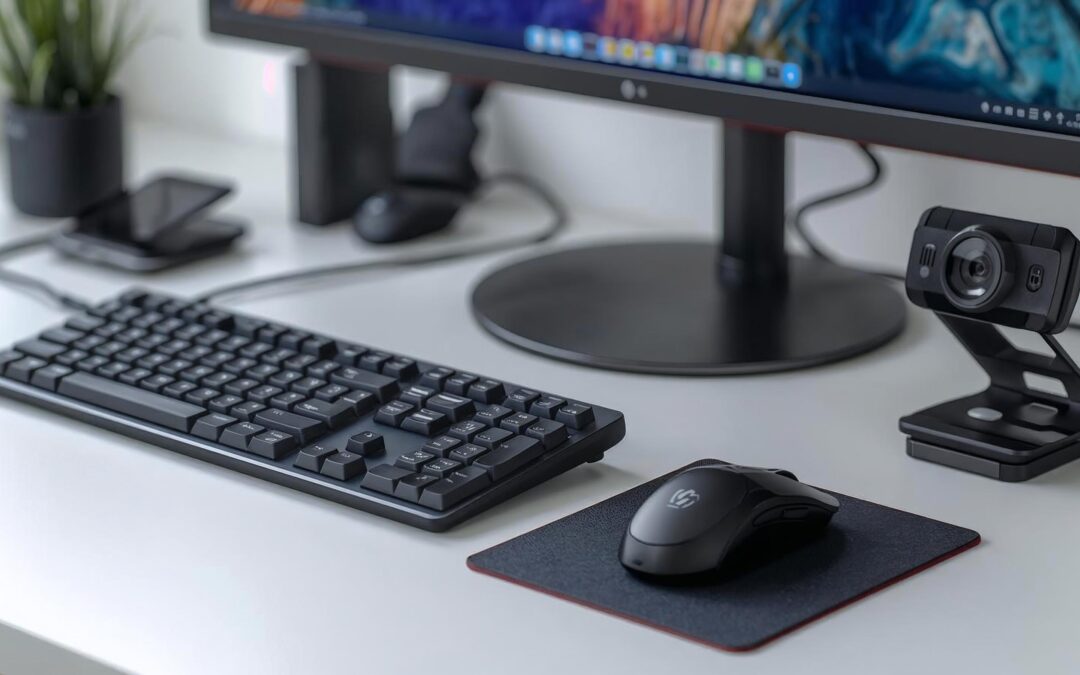
What Computer Peripherals Are and How They Work.
Computer peripherals — sometimes called computer accessories — are external devices that connect to your computer to expand its capabilities. They make it easier to input information, display output, or enhance connectivity.
Common types of peripherals include:
- Input devices: Tools like keyboards, mice, and scanners that allow you to send data or commands to your computer.
- Communication devices: Webcams, and headsets that store data or help you connect and collaborate.
- Output devices: Devices such as monitors, printers, and speakers that display or deliver information from your computer.
- Storage: External hard drives, SD cards, and USB drives.
Most peripherals connect through USB, Bluetooth, or Wi-Fi, giving users flexibility and control over their digital workspace.
How Computer Peripherals Work
Peripherals act as extensions of your computer’s hardware, communicating with the Central Processing Unit (CPU) through wired or wireless interfaces. For example:
- A keyboard sends input signals to the CPU that translate into characters on your screen.
- A monitor receives data from your graphics card and displays it visually.
- A webcam captures video and transmits it to applications like Teams or Zoom for real-time video conferencing, collaboration, and streaming.
Today’s peripherals are smarter than ever. Many now include AI optimization, gesture control, voice assistance, adaptive lighting, and wireless charging, offering users a seamless blend of performance and personalization.