Designing High-Performing Municipal Meeting Spaces: AV Trends, Live-Streaming Challenges & How to Plan for SuccessMunicipal meeting spaces have evolved far beyond simple boardrooms with a projector and podium. Today’s city councils, planning boards, and advisory...
Designing High-Performing Municipal Meeting Spaces: AV Trends, Live-Streaming Challenges & How to Plan for SuccessMunicipal meeting spaces have evolved far beyond simple boardrooms with a projector and podium. Today’s city councils, planning boards, and advisory...
With so many video conferencing systems to choose from – including Teams Rooms, Zoom Rooms or a Custom Solution – how do you know which is best for you? Perhaps you’ve been exploring the differences between Teams Rooms and Zoom Rooms, but if neither emerge as a good fit, what other options are available?
If you weren’t regularly using a video conferencing service before 2020, chances are you were one of the millions of Americans who quickly adapted to online meetings and collaboration tools in the years that followed. Video conferencing capabilities have helped pave the way for the success of the hybrid work arrangement, and as we’ve become more comfortable and reliant on technology for work-related tasks, working remotely or some hybrid of at-home and in-office work is expected to continue.
There are a number of unified communication solutions on the market today including Microsoft Teams Rooms and Zoom Rooms. Both provide easy-to-implement solutions, but there are other user-friendly options on the market as well. In this blog post, we’ll explore the key similarities and differences of these two services, alternative solutions, and how to choose the right option for your organization or personal use.
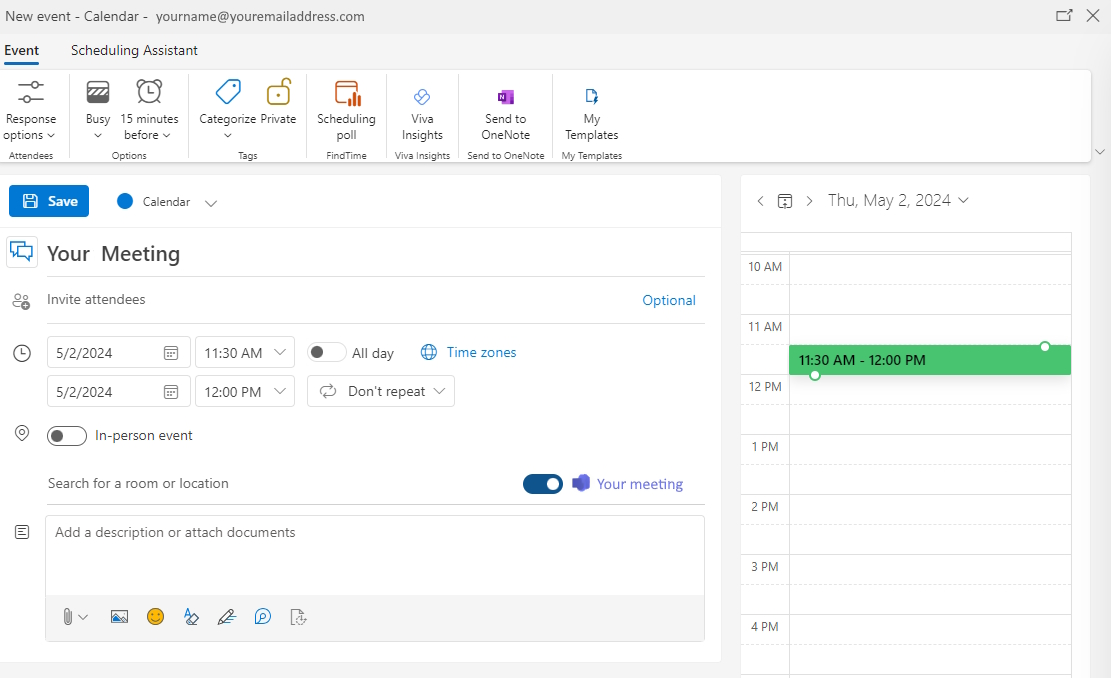
You may already be familiar with the Teams software application that allows you to gather groups of people together in a virtual workspace for real-time, collaborative meetings.
A Teams Room utilizes an existing conference room that has been fitted with the necessary audiovisual equipment for enhanced collaboration. Think of it as both a physical space and the hardware package that makes it all work together seamlessly. The software comes pre-loaded on dedicated Teams hardware – making it easy for computers, cameras, microphones, speakers and external video screens to work together smoothly.
Microsoft offers Teams Rooms as a licensed product, allowing you to choose the right-sized option for your organization.
Basic License
This option is free and offers up to 25 meeting locations. The software comes pre-loaded on a dedicated Teams touchscreen device. The flexibility of this option makes it a great choice for smaller companies.
Pro License
This option costs $40.00 per room/month with an annual subscription and offers unlimited meeting locations. Like the Basic package, you get the ability to easily initiate or join meetings, share content and collaborate with meeting participants. You also gain access to advanced features including customizations, room management and access control.
Zoom Rooms
Like Teams Rooms, Zoom Rooms offer certified AV hardware options suited for a dedicated conference room. For many businesses, the Zoom Rooms Hardware-as-a-Service (HaaS) model is appealing because it gives businesses the ability to rent the necessary conferencing equipment instead of purchasing it outright. Zoom offers both DIY and turn-key options that can be built according to your needs.
Additionally, with Zoom Rooms you can utilize an array of applications, including Outlook to schedule meetings, share content and collaborate with meeting attendees.
Like Microsoft Teams Rooms, pricing options for Zoom Rooms is offered through the purchase of a license, but the licensing structure is slightly different from that of Teams. Depending on the size of your organization and its needs, you can purchase a license one of two ways:
Single License – Can be purchased for $49/mo.
Annual License – Available for $499/yr. per room.
While a monthly license is a good, flexible option for individuals and smaller businesses, an annual license may be more desirable for larger organizations with multiple, designated meeting spaces of varying sizes.
Zoom Rooms vs. Teams Rooms
Microsoft Teams Rooms and Zoom Rooms both offer robust features; however, choosing the right conferencing solution depends largely on your organization’s approach to meetings.
For example, if collaboration and access to productivity tools is a high priority, you may prefer the Teams Room product – especially if your organization is already heavily reliant upon Microsoft apps and services such as Outlook, OneDrive and OneNote. In addition, if you currently have or are thinking about making the switch to a Cisco phone system, Cisco’s working relationship with Microsoft makes using Webex meetings via Teams Rooms functionally seamless.
As for Zoom Rooms, users of all levels generally prefer Zoom’s easy interface as well as its video and audio quality. It also integrates easily with other third-party options, including Microsoft apps and services. That said, Zoom Rooms may be a better fit for individuals, smaller organizations or any business that’s not heavily reliant on integrated Microsoft products and services.
In the end, it really comes down to your organization’s size, current infrastructure and user preference. If you’re still uncertain which video conferencing solution is right for you, our team is always happy to help.
Other Video Conferencing Solutions: When Are They the Right Choice?
Out-of-the-box solutions can be good, but sometimes you need a customized approach to your video conferencing needs. At Smart Homes and Smart Offices, we specialize in designing systems that are easy-to-use, aesthetically pleasing and reliable. Our custom-engineered solutions are built from our time-proven designs that can be modified to fit your needs. This ensures you get an easy-to-use, tailored and robust system at a great value. We can also supply bring-your-own-device (BYOD) designs as well as dedicated computer systems.
If you’re looking for optimum functionality, a good video conferencing system should contain the following elements:
Ability to engage customers in face-to-face conferencing regardless of the location, with immersive video and audio.
Dynamically Collaborate, Annotate and Whiteboard, even on mobile devices.
Scale from a small, intimate group, panel, or entire company.
Provide high-quality desktop and application sharing, including mobile devices.
Deliver compatibility with Windows, Mac, iOS, and Android.
From Huddle Rooms and Board Rooms to scalable large conference rooms and University lecture halls – each room is unique, and we believe that the right tools and resources are essential for achieving the best possible unified communication solution for your space.
Smart Homes Smart Offices: Your Preferred AV and IT Services Provider
Do you still have questions about which video conferencing solution is best for you? We can help. At Smart Homes Smart Offices, we start by learning about your conference room setup, what’s working well, your challenges, and specific collaboration and conferencing needs. To learn more about our full range of AV and IT solutions, contact us today for a free consultation.