Client-side Encryption –
Google is giving the consumer control over their own encryption keys. Consumers have the option to select from a few key access service providers: Flowcrypt, Futurex, Thales, or Virtru. Previously, all encryption was handled by Google, and it also managed the encryption key for the user. With client-side encryption, “customer data is indecipherable to Google,” meaning that the consumer has much more control over the safety and security of their company’s files.
Trust Rules for Admins –
Another security improvement – this time aimed at Google Drive – Trust Rules are defined rules which designate where and to whom users can share files with. This gives the admin the option to “allow, deny, or display warnings to end-users within specific organizational units (OUs) or groups” if they attempt to share or receive files from users or domains that have not been approved by the admin. The Trust Rules will replace the existing “Sharing options”.
HOW TO ACTIVATE GOOGLE WORKSPACE USING YOUR GMAIL ACCOUNT
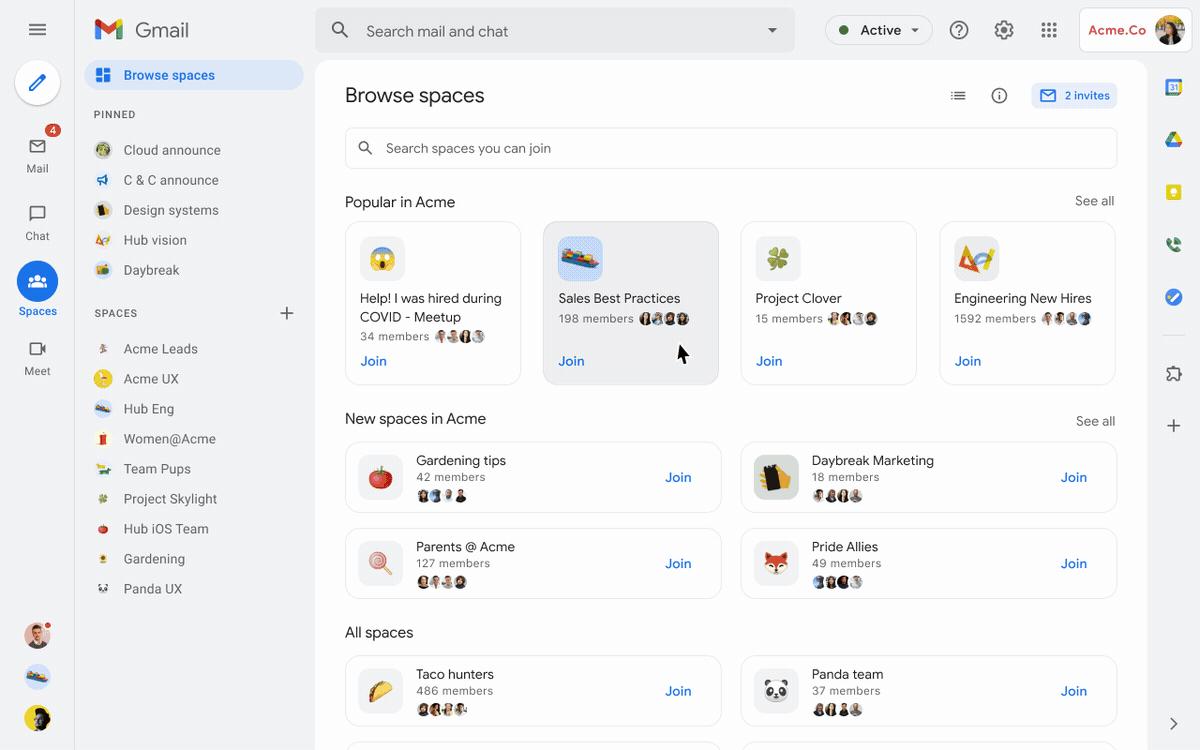
In order to activate Google Workspace, users will have to make the switch from the Google Hangouts messaging platform. This will give the user access to Google Chat, which is the basis for Workspace. From Google’s announcement blog, “You can create a secure collaboration space in Google Chat to keep everyone up-to-date, share ideas, and keep track of all your important info in one place, from videos and pictures of your last trip, to a Google Sheet of your family’s annual budget.”
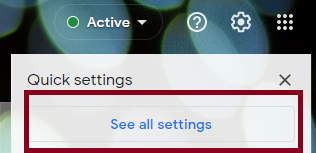
To enable Workspace, the user should start by navigating to their Gmail account. In the top right corner, click the Settings gear icon, then click “See all settings.”