Designing High-Performing Municipal Meeting Spaces: AV Trends, Live-Streaming Challenges & How to Plan for SuccessMunicipal meeting spaces have evolved far beyond simple boardrooms with a projector and podium. Today’s city councils, planning boards, and advisory...
Designing High-Performing Municipal Meeting Spaces: AV Trends, Live-Streaming Challenges & How to Plan for SuccessMunicipal meeting spaces have evolved far beyond simple boardrooms with a projector and podium. Today’s city councils, planning boards, and advisory...
Image 1: Sonos Arc with Standing TV (2020). Retrieved from https://www.sonos.com/en-us/media-kits/arc.
When asked what they love about Sonos, users will often point to having access to over 100 streaming services or the ability to manage all their favorite playlists, stations, and albums in one easy-to-use platform. They’ll also tell you that Sonos makes moving from one connected space to another like the kitchen, rec room, or even outdoors a breeze.
For over 20 years, the Sonos brand has been synonymous with multi-room audio connectivity, thoughtfully designed speakers, unparalleled sound, and intuitive control systems made easy through the use of the Sonos S2 App. However, recent software updates have added unexpectedly sharp pain points to what is normally an elegant experience.
Typically, system updates and customer support have meant a better user experience. Typically. However, if you haven’t run the latest Sonos S2 App update you may want to hold off for a while as recent changes have produced significant issues for Sonos users.
Six Months Later
Since May 2024, Sonos has made significant progress toward reviving the fatally flawed S2 app, but there is still considerable room for improvement. Ongoing challenges are still being reported by users.
Recent software versions – 80.11.33 (Android) and 80.11.39 (iOS) released on 10/28/2024) have added support for new hardware, including the Arc Ultra soundbar and Sub 4. Improvements to music library management, browsing performance, and setup processes were included. Additionally, voice control stability fixes and playback stability and performance enhancements were also rolled out.
However, users are still reporting several persistent issues. Connectivity and responsiveness problems remain common, as do complaints about delayed volume controls and unstable connections during multi-room playback. Users have also reported that basic features like the sleep timer, queue management, and intuitive navigation are not consistently smooth or accessible, especially for users with more complex systems or older devices.
Sonos has stated it remains committed to continuous improvements, and is planning the release of updates aiming to address performance, stability, and other outstanding bugs. However, users with older devices or complex setups may still face challenges as Sonos gradually rolls out these fixes.
For the latest updates, visit the official Sonos release notes.
On May 7, 2024, Sonos released the 80.0 version of updates to the S2 App. Rebuilt from the ground up, the 80.0 version was designed to better support future Sonos products and services, including increased reliability, performance, and the ability to quickly create and access a more personalized listening experience.
According to Sonos, the intent was to “align the Version number of the Sonos app with the version number of the software running on Sonos products.” (Sonos Support, 2024, May 7. Release notes for Sonos 80.0 software update. https://support.sonos.com/en-us/article/release-notes-for-sonos-software-updates). However, users have reported serious issues after updating to the new version of the S2 App. Since the 80.0 version release, Sonos has announced a number of fixes that have been rolled out, but there is still a lot of work to be done.
Given the number and severity of system bugs reported, we recommend holding off on the latest Sonos software update until performance issues have been resolved.
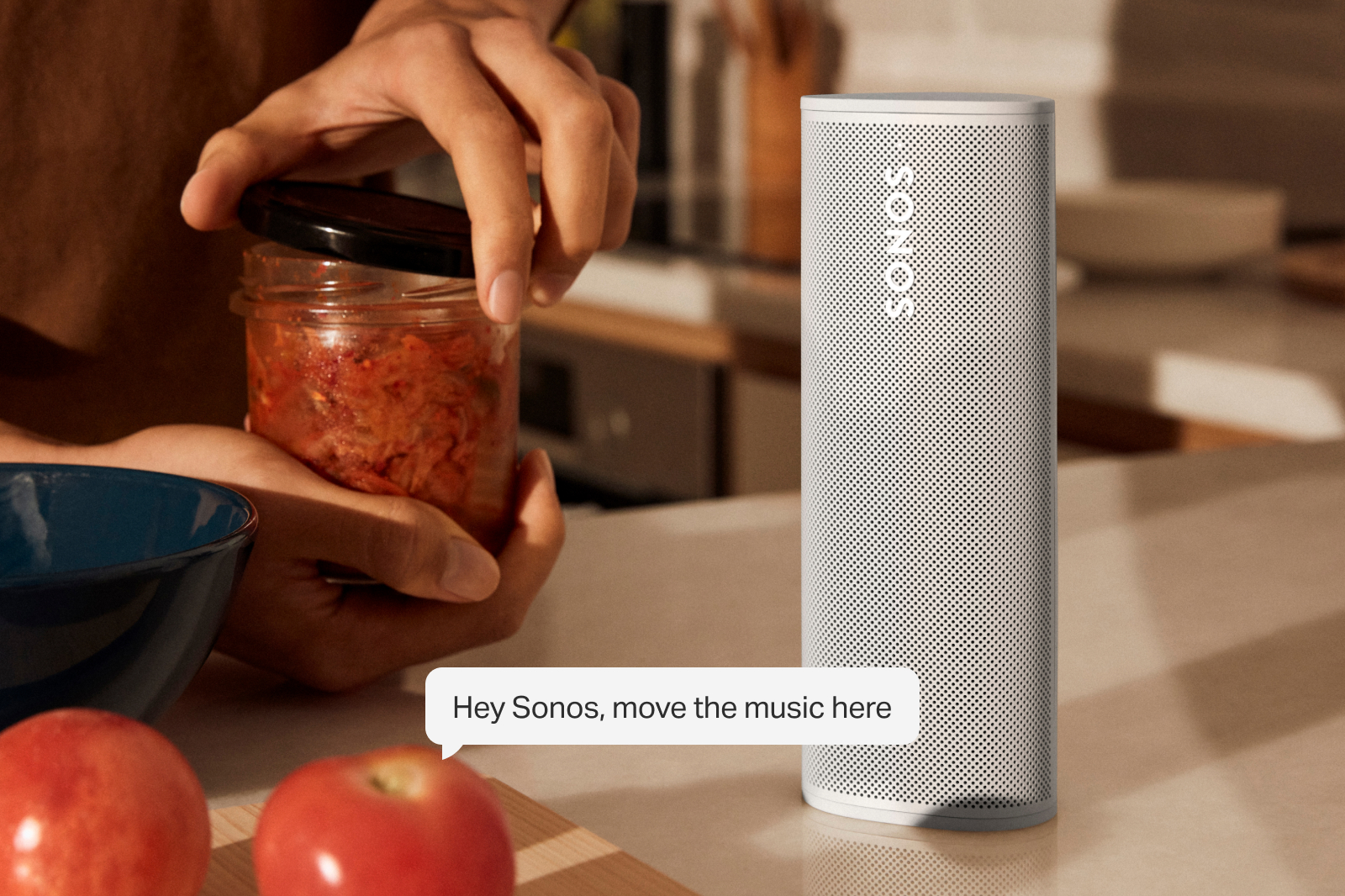
Image 2: Sonos Voice Control (2024). Retrieved from https://assets.sonos.com/media-kits/software/svc/sonos-voice-control-move-rooms-2.jpg.
What People Are Experiencing After Updating
Speaker Detection and Connectivity Issues.On the support message boards, Sonos users have reported a number of random changes to their settings after updating the app. Additionally, there have been numerous reports of the system failing to consistently detect speakers or even randomly selecting, reconfiguring, or disconnecting speakers altogether on its own.
Even in a case where a connection is made through the app, there have been reports that it will frequently lose connection with speakers, and that once lost, the app is unable to detect them again. Playback failures have also been reported after updating, and in extreme cases, once connection is lost, some users are finding that their speakers will no longer play music. These intermittent changes have rendered multi-room functionality unstable, and individual pieces virtually unusable.
Loss of Preset Custom Settings. Users have also expressed frustration over the loss of their carefully curated custom settings – including saved stations and Sonos playlists – found under the My Sonos button since installing the updated software.
Additionally, there are countless reports of the Sonos Voice Control setting not working consistently after the app is updated.
Limited Options for Old and New Products. One significant take-away from this latest round of updates is that users will lose the ability to join and control older and newer products. The S2 App update was issued with a disclaimer that Sonos products released before 2020 would not be compatible with the newly updated software. Users with a combination of older and newer products are being encouraged to create two separate systems as products purchased after 2020 will only work with the S2 App. In essence, you won’t be able to connect old and new Sonos pieces together or control them interchangeably between the S2 and S1 App versions.
Sonos users will have some choices to make in terms of connectivity.
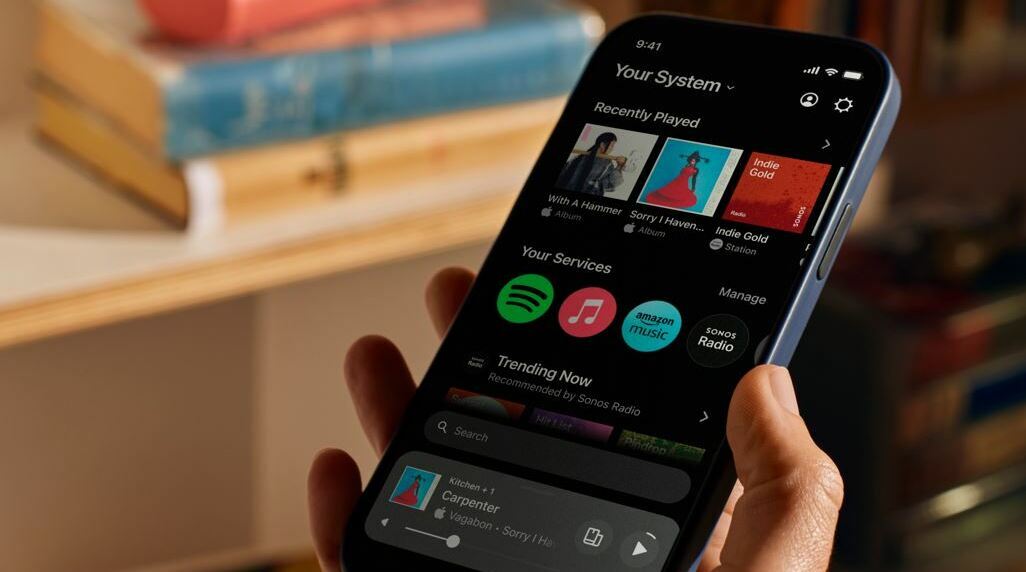
Image 3: New Sonos App Update (2024). Retrieved from https://en.community.sonos.com/product-updates/new-sonos-app-update-6896801.
Things You Can Do To Minimize Pain Points
If you’re a Sonos user who hasn’t gotten around to doing updates yet, there’s one simple thing you can do to preserve your system until Sonos has had a chance to iron our the programming wrinkles in the app.
Temporarily Turn Off Auto Updates. By disabling auto updates, you can preserve the integrity of your current system while monitoring community forums, reviews, and official announcements for when bug fixes have been made, and the app is stable. Even after the app has been declared stable, you still may lose the ability to join and control older and newer products after updating; however, delaying auto updates will at least give you the ability to choose your timing and direction for addressing control and connectivity issues between older and newer equipment and app versions. It’s also important to note that with auto updates disabled, you’ll need to periodically check for updates manually to ensure the system benefits from necessary security patches and feature enhancements once any initial issues have been addressed.
If you’ve already updated to the Sonos S2 App and are experiencing issues, there are a few troubleshooting steps you can try to minimize pain points. Begin by restarting both the Sonos app and the affected devices, and verify that both the app and all devices are updated to the latest firmware and software versions. This can help resolve minor glitches. We recommend that users check their Wi-Fi network to ensure it’s stable and not overloaded as well. If problems persist, resetting the affected Sonos products to factory settings, and re-adding them to the system might be necessary.
See What the Sonos Community Is Saying. The Sonos Community is an online forum where Sonos users can discuss and share information about Sonos products and software. The community is moderated by Sonos staff and offers answers to a wide range of questions, from troubleshooting technical issues to optimizing system performance. Users can browse existing threads for solutions or start new discussions to seek help with specific problems. The collective knowledge and experience of the community often makes it a valuable resource for resolving issues and getting the most out of Sonos products.
Contact Sonos Support. When all else fails, contact the experts. For ongoing issues, we recommend reaching out to Sonos support for detailed assistance and potential bug fixes. With the influx of customer calls for help, Sonos has been working overtime to address customer concerns; however, you can expect longer wait times.
Smart Homes Smart Offices: Your Trusted AV and IT Services Provider
Although Sonos products and services typcially offer an easy and elegant solution to home audio, recent updates have left users feeling frustrated. With so many issues still being addressed nearly three months after release, we recommend taking a ‘wait and see’ approach to see how final changes will ultimately impact connectivity and use. Our AV team will continue to monitor and provide an update in the months to come.
At Smart Homes Smart Offices, our technology service experts are dedicated to providing you with proactive advice and solutions to all your AV and IT questions and needs. To learn more, contact us today to speak with a Smart Homes Smart Offices specialist.