Why We Prefer This Video Conferencing Tool
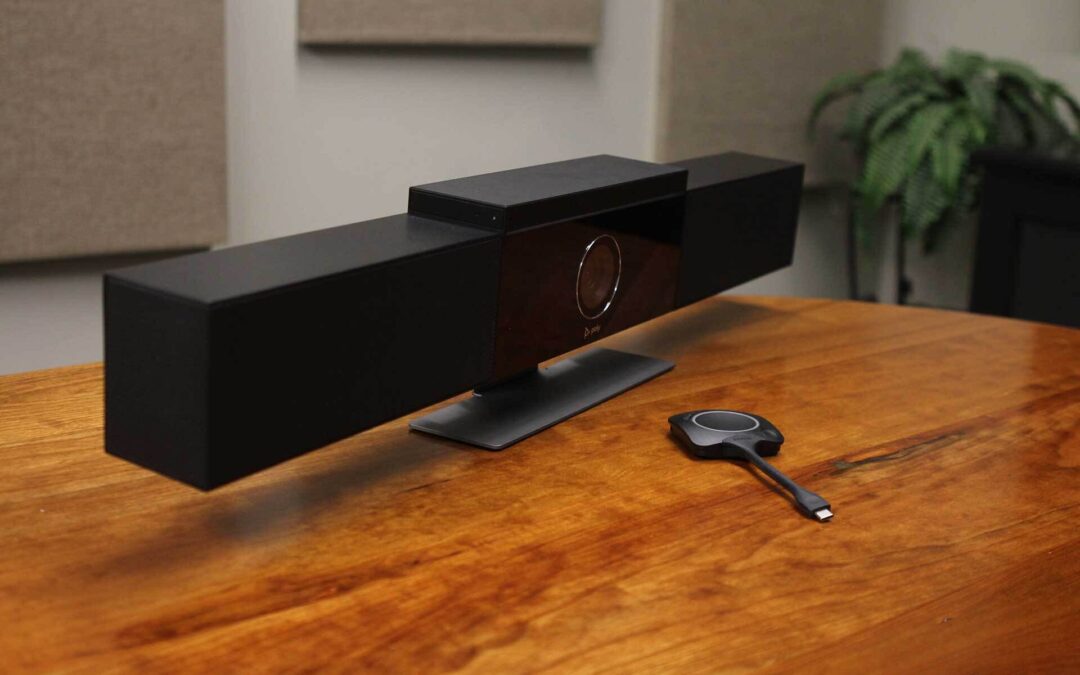
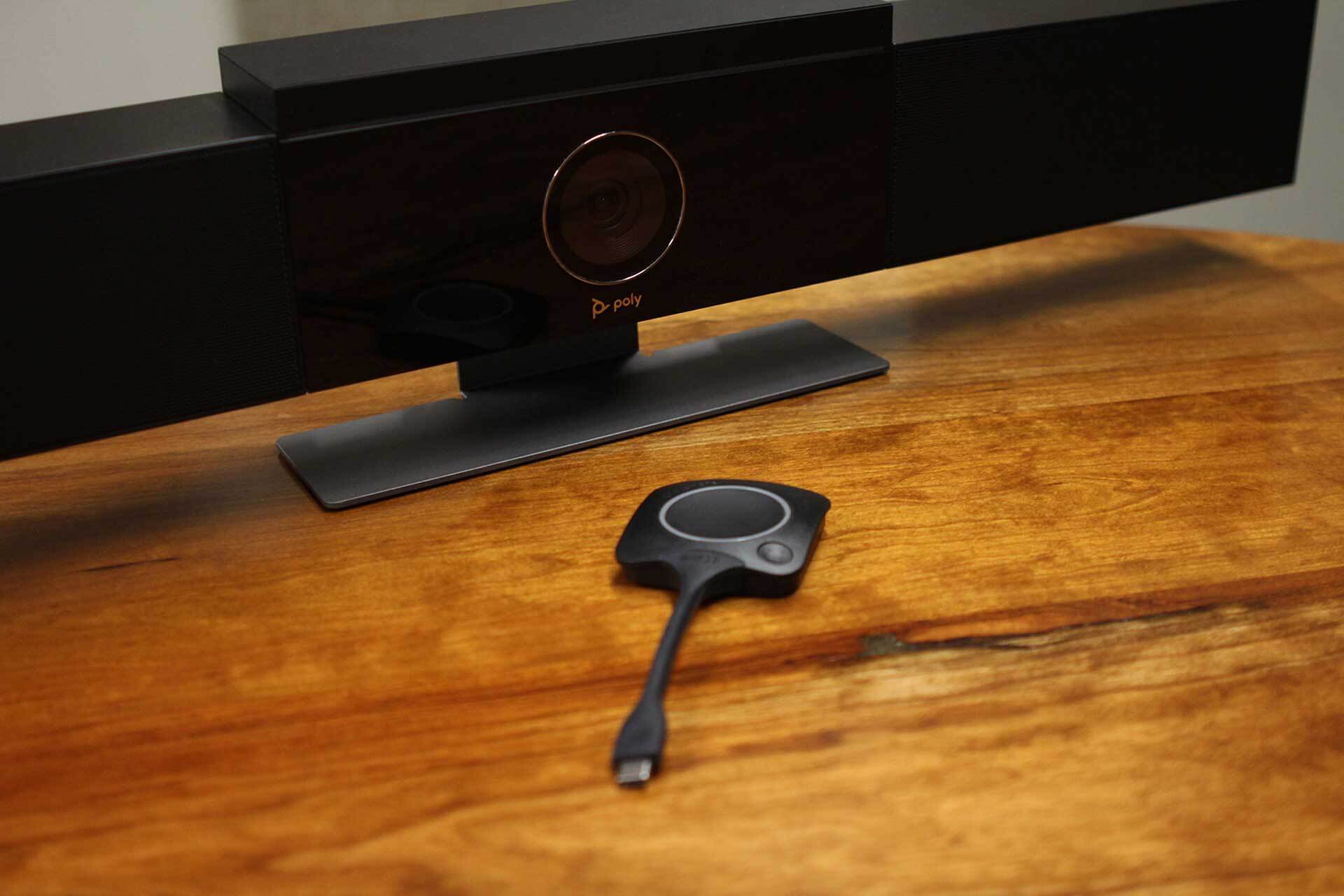
What’s not to love about this easy-to-use, plug-and-play, video conferencing system? The ClickShare Conferencing Button instantly gives you access to wireless conferencing, and a more immersive, interactive and guest-friendly meeting experience. Simply set up your remote meeting with your preferred Unified Communications (UC) solution. Plug the USB-C device into your laptop, click, and in less than 7 seconds, you are automatically connected to meeting room cameras, speakerphones, soundbars and other AV peripherals. You’ll also get access to richer audio, wider views of the room and the ability to add video to your mix.
With the additional Quick Button, you can bring the big screen back to your device, a feature called ‘local view of the room display’. The Quick Button also activates advanced power functionalities like ideation, moderation, snapshots, and control of AV equipment.
Alternatively, you can share content with the ClickShare Collaboration App with a similar advanced set of collaboration features at your disposal: pause, window selection, extended desktop, ideation and moderation. Combining both Button and App provides an intuitive, rich way of collaborating.
One important thing to note is that the ClickShare App does have some limitations when used out of the box without being connected to a network. However, our team can help you determine the best deployment setup for your current system.
We also like the new ClickShare Extension Pack. This free download contains a built-in App launcher, which will automatically launch the ClickShare App once the Button is plugged into your computer and the desktop driver. This allows you to use the meeting room display as a second computer screen so you can view multiple documents side-by-side.